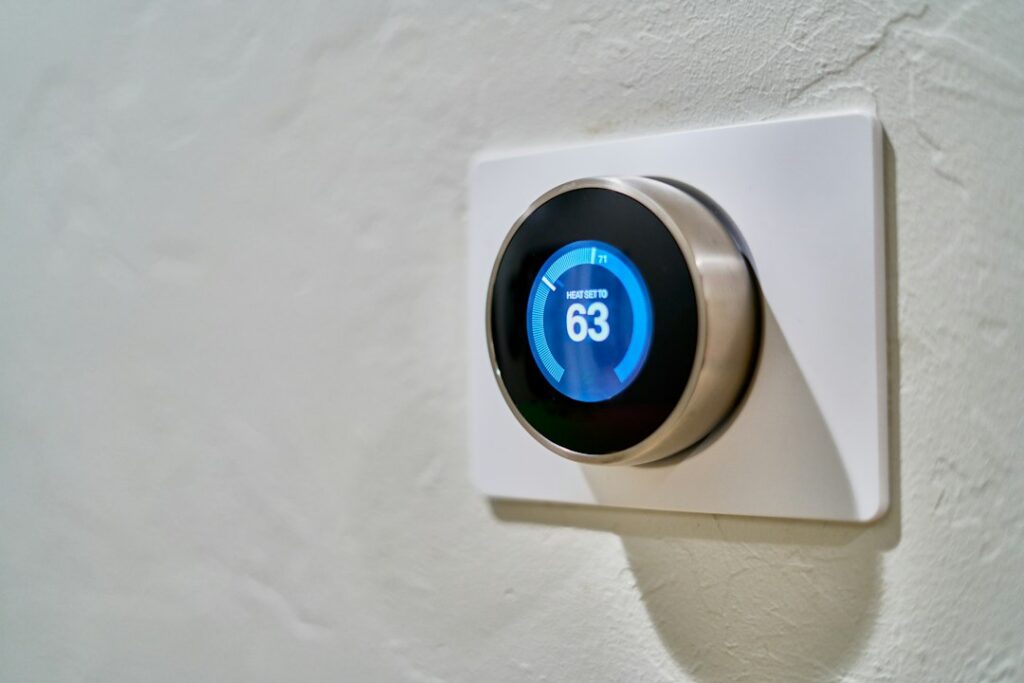
A useful smart home starts with a task you would like to make easier. It could be switching on a reading lamp at dusk or turning off a room’s decorative lights before bed. You do not need to automate the whole house, learn every technical term, or buy equipment because it is marketed to your age group.
Choose one routine that is easy to notice, easy to test, and easy to do manually if the technology fails. Success means the household finds it helpful.
Write down the job before choosing the gadget
Try one sentence: “I want the reading lamp on before I sit down, and I want to switch it off normally.” That is more useful than “I need an AI home.” You can now compare a conventional timer, a suitable smart plug, or a connected bulb against the same task.
A schedule or motion-triggered rule is automation; it does not necessarily use AI. A voice assistant may add speech recognition, and other devices may offer learning features. Ask whether those additions make your chosen task easier enough to justify the cost, setup, and information sharing.
For a first project, choose something nonessential. Keep heating installation, security decisions, and other consequential functions separate from a trial lighting routine. If energy use is your main concern, start with our article on evaluating AI home energy savings.
Check the exact combination, not just the logos
Write down the equipment you already have: phone, router, any hub or controller, and the lamp or device you want to use. Compare the exact model requirements before buying. For a plug, check the electrical rating and whether the appliance manufacturer permits that use; use the manufacturer’s instructions rather than a chatbot’s wiring advice.
Matter is a connectivity standard intended to help smart home devices work across brands. It is a useful compatibility clue, not a guarantee that every feature works with every controller. Check which controller, connection, app, and any additional equipment the particular model needs.
Ask these questions while you can still choose another option:
- Can everyone who needs it use the controls comfortably?
- Does the function work without a paid subscription?
- What continues working if internet service stops?
- Can the device be operated manually and removed without disrupting the household?
- What software support does the manufacturer commit to, and what is the return policy?
Try a simple routine before adding more
Here is a fictional example. Pat wants a lamp to turn on at 7 p.m. and off at 10 p.m. The lamp is suitable for the chosen device, and Pat has checked the setup instructions. Pat creates just those two actions, then tests them while someone is at home.
Next, Pat tries the manual control and checks what happens when the app is unavailable. During the trial, the household notes whether the timing is convenient, whether the lamp stays easy to operate, and whether anyone is repeatedly overriding the schedule.
If it is inconvenient, change the routine or remove it. Do not add a motion sensor, microphone, and another subscription to rescue a task that a simple switch already handles well. Avoid experiments that interrupt essential equipment.
Agree on comfort and control
A home is shared space. Ask the people who use the room what they want, including visitors or anyone who does not use the app. A preferred lighting level or a predictable evening routine can be a practical benefit; it does not establish a medical or emotional-health effect.
Make voice control optional when you can. Keep a clear way to stop or override the routine, and explain it in ordinary language: “The lamp follows a timer; here is how to turn it off.” The system should accommodate the household rather than require everyone to work around it.
Set privacy and security controls deliberately
The FTC’s connected-device guidance recommends replacing default passwords, using multifactor authentication where available, keeping software updated, and disabling unneeded features such as remote management. Give each account a unique password and check who has access.
For a voice assistant, read the recording and deletion settings. The FTC explains that assistants can activate unintentionally and describes controls such as microphone muting. Tell other household members when a microphone is present and agree on how it will be used.
A connected device is not automatically more secure because it is newer or uses AI. For cameras, locks, and monitoring, see choosing smart home security without the hype before expanding.
Once one routine works reliably and everyone knows how to override it, decide whether another would solve a real problem. Stopping after one useful improvement is a perfectly good outcome.
Updated September 23, 2026. Prepared with AI assistance and checked against the sources linked above. Pat’s example is fictional and is not a report of device testing. Follow the instructions for your equipment. See our disclaimer.
Featured image: dada design / Unsplash. Interior image for illustration.