A tattoo idea often begins with a memory, symbol or feeling that is difficult to describe. AI can help you explore visual directions and organize a brief for a tattoo artist. It cannot guarantee that a generated design is unique, meaningful in the way you intend or ready to turn into a stencil.
Think of the output as a conversation starter. The artist still needs to discuss the design, assess the placement and decide how to translate it into work they can responsibly carry out.
Write down the meaning before choosing an image
Describe what you want to remember or express, any elements you like and anything you want excluded. Include whether you prefer a simple or detailed design, approximate placement and whether you want words. These are discussion points, not final technical instructions.
You do not need to upload an identifiable body photograph to brainstorm a concept. A written description of the general area and your preferences may be enough at this stage. Share more personal material only when it is necessary and you understand how it will be handled.
If the idea includes a date, name, quotation or family symbol, verify it at its original source. For a phrase in another language, consult someone who understands its meaning and use in context. An AI translation or decorative letterform is not sufficient verification for something permanent.
Ask for a few clearly different concepts
Begin with descriptions before generating lots of pictures. This helps you decide what matters and avoids becoming attached to a polished but unsuitable image.
Help me prepare a tattoo concept brief for an artist. The idea represents a love of gardening and a specific family memory. Suggest three visual directions using a leaf or simple plant form, with no words. Explain the meaning I supplied, list assumptions and give questions to discuss with the artist. Do not claim that a concept is a usable stencil, unique artwork or suitable for a particular skin area.
This is an illustrative prompt, not a recommendation for a particular design. Replace the memory and preferences with your own. If a suggestion introduces a symbol you do not recognize, research it before keeping it.
Use broad visual descriptions rather than asking to copy another artist’s recognizable work. If you bring reference images, know where they came from and explain what feature interests you. The artist can discuss how to develop an appropriate original interpretation.
Inspect every generated detail
Look at the whole image first, then inspect it at a larger size. AI can produce an attractive composition with broken lines, extra parts, missing features or unreadable lettering. These problems are easy to overlook when the overall style appeals to you.
- For people or animals, check that heads, limbs and other features are present and connected sensibly.
- For plants and objects, look for unexplained joins, floating pieces and shapes that change halfway through.
- For text, compare every letter, number and punctuation mark with the verified original.
- For symmetrical designs, inspect both sides rather than assuming they match.
Write down concerns rather than repeatedly asking the tool to declare its own work correct. A revised generation may fix one problem and introduce another. Keep the final selection small enough to discuss properly with the artist.
Take a brief to the consultation
Provide the meaning, preferred elements, things to avoid and a few labeled references. Tell the artist which images were generated and that you expect professional adaptation. Our article on disclosing AI assistance explains why that context can matter when someone else is relying on your work.
Ask whether the artist accepts AI references and how their design process works. Discuss the proposed size, detail, placement, readability and how the design may change over time. Ask to understand the final version and positioning before agreeing to proceed.
A stencil involves practical decisions beyond converting a picture into black lines. Do not assume a file marketed as “AI optimized” has been assessed for your body or the artist’s process. Let the person doing the work decide what preparation is appropriate.
Keep health and safety decisions outside the chatbot
The FDA’s tattoo information describes risks including infection and allergic reactions, and notes that removal can be difficult. An AI image tool cannot screen those risks or certify a practitioner, ink or procedure.
Check the relevant local requirements when choosing a practitioner. Discuss questions about your health, skin or medicines with an appropriate qualified clinician, and ask the artist about their procedures. This article does not provide instructions for tattooing yourself or preparing equipment.
Take time to consider the actual design and consultation. You can keep a concept, revise it, postpone it or decide against a tattoo altogether. The useful contribution from AI is a clearer brief and better questions, not pressure to turn an appealing image into a permanent decision.
Updated September 25, 2026. This article was prepared with AI assistance; linked sources were checked during this update. It provides general information, not personalized professional advice. See our disclaimer.
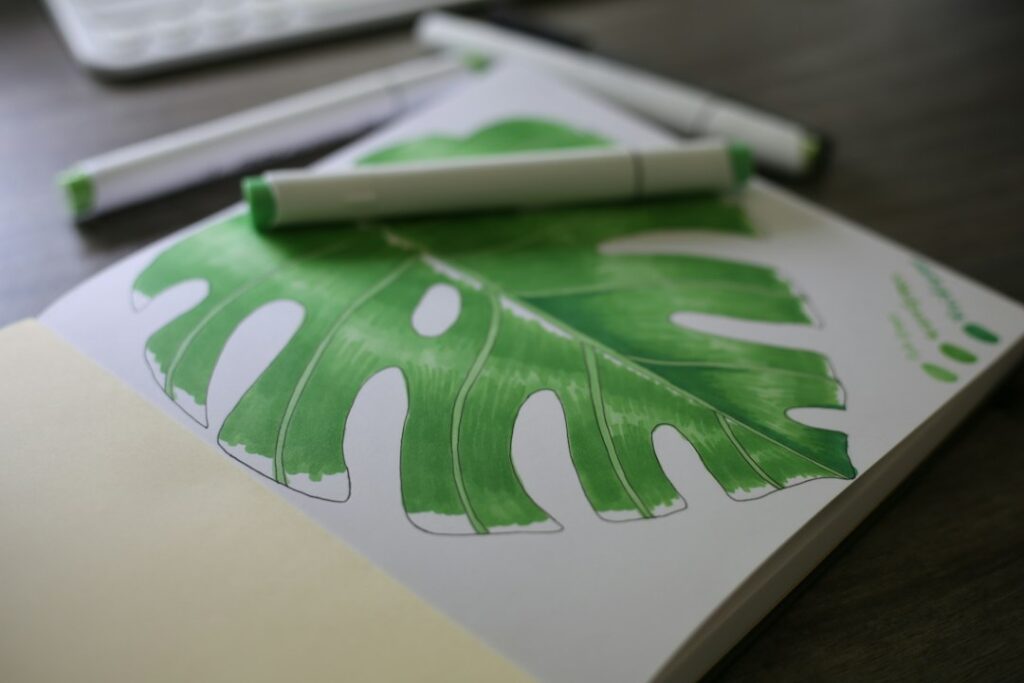
Featured photograph: Amanda Lawrence on Unsplash. Stock photograph for illustration, not a product test or customer example.


