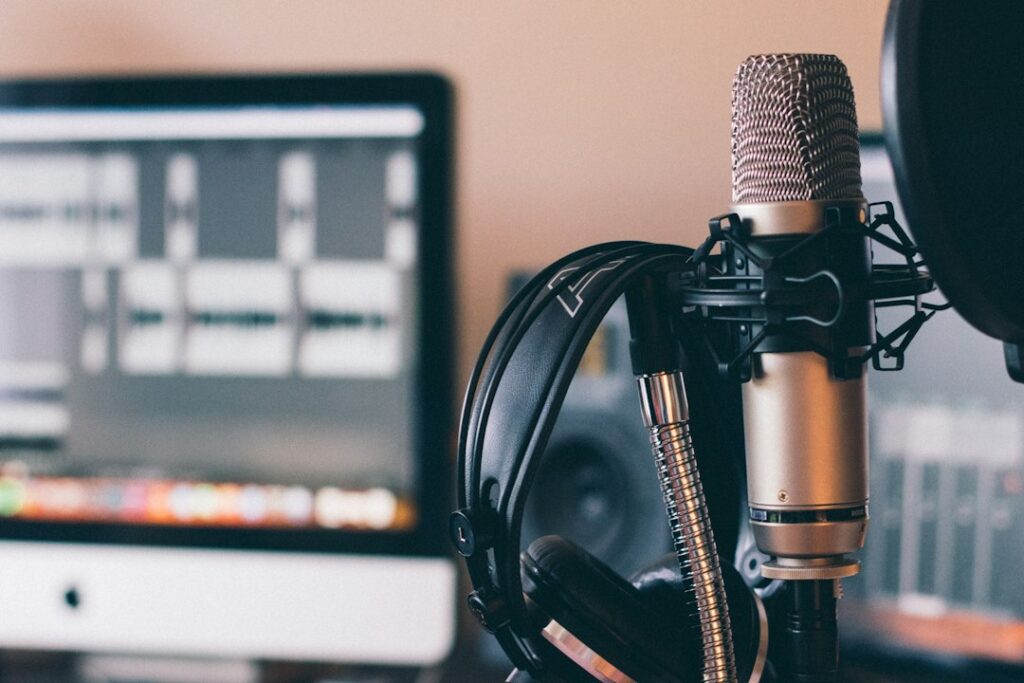
You can teach something useful on video without appearing on camera. A screen demonstration, a narrated slide presentation, or a close view of a craft can keep the focus on the subject. AI can help organize the script and production notes, but “faceless” does not mean effortless or automatically profitable.
Start with one question you can answer accurately. Your first goal is a clear, original video that helps a viewer complete a task or understand an idea.
Choose something you can demonstrate
Pick a topic within your knowledge: organizing a folder, explaining a hobby technique, or walking through a spreadsheet you created. Narrow the promise enough to deliver it in one video. “Sort five sample files into useful folders” is more manageable than “Master digital organization.”
Decide what the viewer will see at each stage. If the subject needs a real demonstration, unrelated stock clips will not replace it. Use sample data and hide private notifications, account details, and client material before recording a screen.
Prepare the evidence before the script
Make a source sheet with verified facts, links, dates checked, and observations from your own demonstration. Separate things you personally tested from information supplied by a product’s documentation. Do not let AI turn the second category into a claim that you tested it.
Give the assistant a constrained job:
Using only these notes, outline a short instructional video for [audience]. Include the question, steps, what should appear on screen, and a final check the viewer can perform. Flag missing evidence. Do not invent personal experience, tool features, statistics, testimonials, or results. Keep the wording natural when spoken aloud.
Read the outline against your demonstration. Remove a step you cannot show or verify. A useful video can include a limitation or a failed attempt when you explain it accurately.
Use narration you are entitled to use
Your own recorded voice may be enough. If you use a synthetic voice, check the provider’s terms for the intended publication and commercial use. Do not imitate another person or imply their participation without appropriate permission.
Listen to the full narration, including names, abbreviations, numbers, and pauses. Correct pronunciation and awkward phrasing before editing the pictures around it. Do not invent qualifications or use a synthetic presenter to suggest that an expert reviewed the advice.
For health, legal, financial, or other consequential topics, an attractive voice and polished script are particularly poor substitutes for appropriate expertise. Choose a first topic whose accuracy you can assess responsibly.
Match every asset to the job
Use your own recordings or assets with permissions covering your use. Keep a simple record of the source, license, attribution, and any restrictions for music, footage, images, and fonts. “Found online” is not a license.
If you generate an illustration, inspect it closely before using it. Check faces, hands, objects, signs, and any text. Label illustrative or reconstructed material where viewers could mistake it for a real event or a product demonstration.
Build the video around your explanation, not around a template filled with unrelated clips. Show key actions long enough to follow. Make on-screen text readable and avoid placing essential details where player controls may cover them.
Review captions and the finished video
Automatic captions need checking. Compare them with the actual audio and correct names, punctuation that changes meaning, and important numbers. Watch the video once without sound to see whether the captions and visuals still communicate the task.
Then watch from start to finish with sound. Look for missing steps, mismatched screenshots, sudden volume changes, and conclusions that go beyond the evidence. Ask a willing viewer to explain the main lesson back to you; confusion is useful editing feedback.
Understand the platform rules
YouTube’s monetization policies require original, authentic value and address repetitive, mass-produced, and reused content. Permission to use a clip does not, by itself, establish that a channel satisfies monetization rules. AI assistance is not a guarantee of eligibility or earnings.
Check YouTube’s current AI disclosure guidance for the finished content. It requires disclosure of meaningful realistic alterations or generation, with examples including a real person appearing to do something they did not do. Ordinary script assistance and minor edits are treated differently. Apply the current guidance rather than assuming that every AI-assisted video has the same requirement.
Use a title and thumbnail that accurately describe what the viewer will receive. Do not promise an outcome the demonstration does not establish, and disclose relevant paid relationships clearly.
Measure one project before making a series
Record research, recording, editing, checking, and revision time, along with actual costs. Compare the finished video with the promise you wrote at the start. View counts alone do not tell you whether the explanation was accurate or useful.
If you enjoy the process, make a second video that answers a different real question. Build a series from worthwhile lessons and viewer feedback rather than automatically generating dozens of nearly identical uploads.
AI disclosure: This article was written and revised with AI assistance. Sources checked September 25, 2026. See our disclaimer.
Illustrative photograph by Will Francis – AI & Marketing on Unsplash.


