AI transcription turns speech into a text draft. A readable draft can still contain serious errors: the wrong speaker, a missing “not,” or a price that changes from fifteen to fifty.
For a podcast, community meeting, or recorded interview, the useful skill is knowing how to check the draft. Start with a short recording you are allowed to use and work through it alongside the text.
1. Decide what you need
A transcript records what was said. A summary selects the main points. Meeting notes may also organize decisions and tasks. Keep these outputs separate so a polished summary is not mistaken for someone’s exact words.
Before recording other people or uploading an existing recording, obtain the permissions your situation requires and follow applicable recording rules and workplace policies. For practice, use your own nonsensitive voice note.
Check where the service stores recordings, who can access them, how deletion works, and whether your account permits the intended use. Avoid uploading confidential client, health, or financial conversations to an unapproved service.
2. Generate a draft with playback controls
Choose a tool that lets you replay passages, edit text, and identify speakers. Test your actual audio before paying for a large batch; a demonstration on clear speech may not reflect a noisy group conversation.
If your Microsoft 365 account includes Word’s Transcribe feature, Microsoft’s instructions cover uploading audio, replaying timestamped sections, and correcting speaker labels. Recordings are stored in OneDrive, so review the recording’s sharing settings as well as the document’s. Availability and limits depend on your account and version.
3. Check the meaning first
Play the complete recording while reading the transcript. Slow down or replay difficult passages. Give particular attention to:
- Names, organizations, technical terms, and place names.
- Amounts, dates, times, units, and deadlines.
- Negatives and qualifications, such as “not,” “might,” and “only if.”
- Speaker changes, interruptions, and overlapping voices.
- Sentences that sound unusually polished or unrelated to the surrounding discussion.
For example, “We might approve it after Friday” must not become “We approved it for Friday.” Correct the text to match the audio. If the speaker made a factual mistake, preserve the record and add a clearly separate correction when appropriate.
Use a marker such as “[unclear, 02:18]” where you cannot confidently hear the words. Replay it or ask the speaker to clarify. Do not fill the gap with what seems likely.
4. Use AI for a second review
After listening, you can ask AI to flag suspicious passages in the corrected text:
Review this transcript for inconsistent names, numbers, dates, speaker labels, and possible missing negatives. List each passage and its timestamp for me to check against the audio. Do not silently correct quotations or fill unclear sections. You cannot verify the recording from this text alone. Transcript: [paste permitted text].
This is an extra check, not proof that the transcript is accurate. Verify each suggestion against the recording; an AI system can also question a sentence that was transcribed correctly.
5. Prepare a useful final version
Use readable paragraphs and consistent speaker labels. Keep timestamps where they help someone locate a passage. For public material, include meaningful non-speech sounds and any visual information needed to understand a video. W3C’s transcript guidance explains these distinctions; a transcript and synchronized video captions serve different purposes.
Check the exported file for accidental omissions and working links. State whether it is verbatim, lightly edited for readability, or a summary. Remove private information before sharing and check the final access settings.
For a meeting, use the checked text to turn notes into clear actions. If offering transcription as a service, agree on the expected format and review standard first. Charge and plan around your actual work time, including corrections; an hour of audio is not an hour of labor.
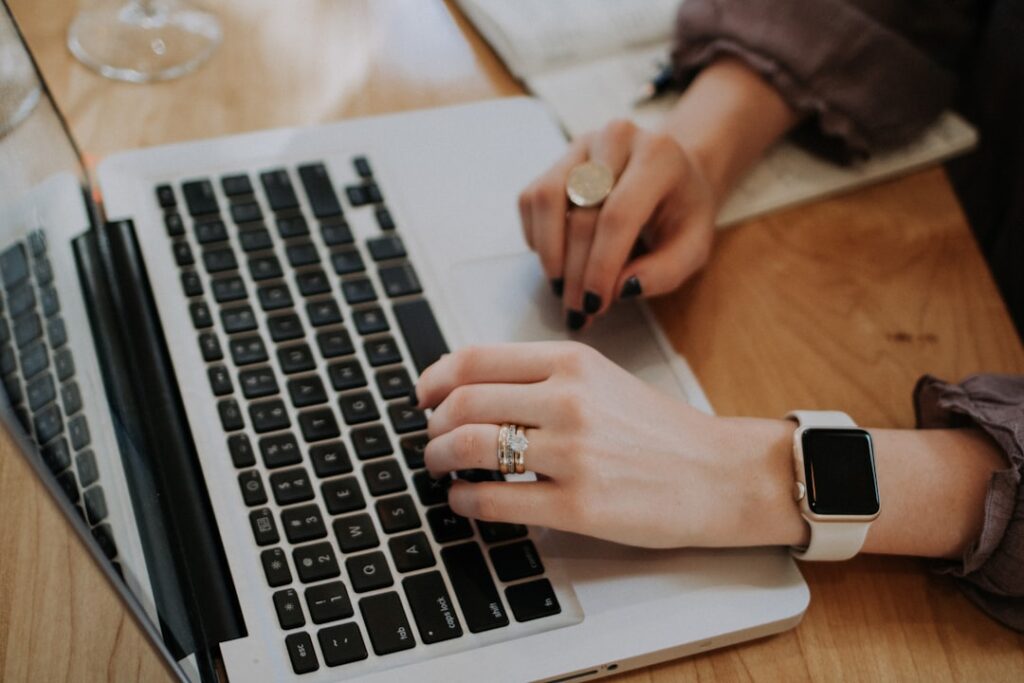
Featured photograph by Christin Hume on Unsplash.
Reviewed October 3, 2026.
AI disclosure: This article was drafted and revised using AI. Read our full disclaimer.