A three-dimensional model can look convincing on a screen and still fail when printed. If you want to sell AI-assisted 3D print files, the useful product is a design someone can understand and reproduce under stated conditions.
AI can help develop an idea, draft a description, or assist with parts of a modeling workflow. It does not remove the need to inspect the geometry, make test prints, and explain the limits of what you are selling.
Choose a modest first project
Begin with a low-risk decorative object whose purpose is easy to describe. An illustrative example is a desk nameplate. You can compare lettering, proportions, and styles without starting with a medical device, vehicle part, electrical enclosure, or other item whose failure could cause harm.
Write a brief before generating anything: overall size, how the object stands, which details matter, and what the buyer can customize. AI-generated images may help explore appearance, but an image is not a printable model. A model generated from that image still needs technical review.
Avoid promising compatibility with every printer or material. Define the equipment and process you are prepared to test and support. That narrower promise is more useful than an attractive but unexplained “print anywhere” label.
Check the geometry in the actual workflow
Open the model in suitable modeling software and a slicer, which prepares the design for a printer. Confirm dimensions and inspect the layer preview. Look for missing features, unexpected gaps, disconnected parts, and details too small to reproduce.
Prusa’s design guidance explains why solid geometry, wall thickness, overhangs, orientation, material behavior, and tolerances affect printing. It also recommends test prints and iteration. These considerations apply to the model’s physical behavior, regardless of how quickly AI produced its appearance.
For the illustrative nameplate, test whether the lettering remains legible and the base stands as intended. If two parts connect, inspect the fit after printing. A software check can help find problems, but a clean screen preview does not demonstrate the finished object’s performance.
Keep the file’s meaning clear
Choose formats that your intended customers can use, and say exactly what each download contains. Include dimensions and units in the instructions even if the format can store them. The 3MF Consortium’s specification, for example, defines units within the model format. File-format support still depends on the recipient’s software and workflow.
Do not assume a project file has neutral settings. Review included printer profiles, material choices, and any executable machine instructions. A customer should know whether they are receiving a model to slice themselves or a file prepared for a particular setup.
Use readable filenames and a version number. If you correct a problem, identify what changed and make it easy for existing customers to find the replacement. Keep your editable source project so you can make that correction without rebuilding from a flattened export.
Show what you have actually tested
Photograph a real print for the listing and identify computer-generated renders separately. Record the printer, material, relevant settings, orientation, and any post-processing used for that sample. Do not claim a material or machine was tested when it was not.
Include concise instructions explaining assembly, supports where relevant, and the limits of customization. For the nameplate example, changing a short name to a much longer one may require a revised design rather than a simple text swap. Explain who handles that work.
We have not printed or evaluated a product for this article. The example describes a development process a seller would need to carry out before making claims about a design.
Resolve rights before selling
Check the terms for the tools and source assets you use, and investigate any incorporated artwork or third-party model. AI assistance does not establish that you own every underlying right. The U.S. Copyright Office’s permission framework is a useful starting point when incorporating someone else’s protected material.
State the license you offer customers: what they may do with the digital file and whether you authorize selling physical prints. Avoid copying another seller’s license language without understanding it. For an uncertain commercial rights question, seek appropriate legal advice.
Price the work that continues after the download
A digital-file sale generally supplies the file described in the listing; shipping a printed object is a different offering. Make that distinction prominent so a buyer does not expect a parcel.
Your costs can include design time, failed prints, materials, software, marketplace fees, documentation, support, and revisions. A file can be sold repeatedly, but demand and support workload remain uncertain. Evaluate a small release by customer questions and reproducibility before building a large catalog.
The lasting value is a clear, usable design backed by honest evidence. AI can help you reach an interesting concept; careful development makes that concept worth downloading.
Related reading: Use AI to Explore a Product Idea Before You Build.
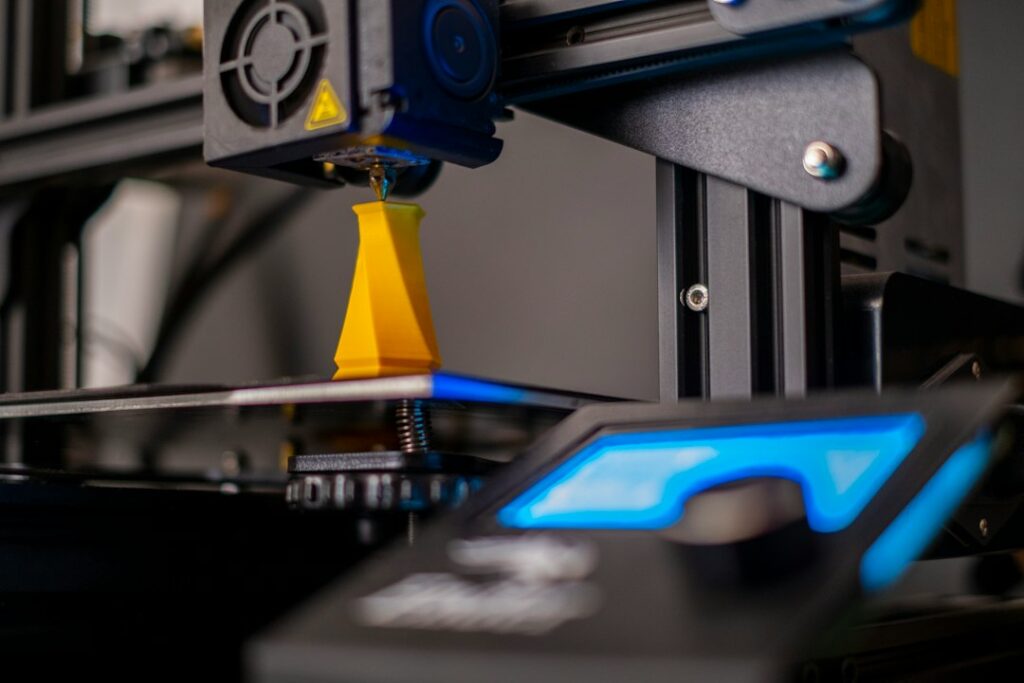
Featured photograph: Osman Talha Dikyar via Unsplash. Illustrative 3D printer; no product test or endorsement is claimed.
Updated September 27, 2026. This AI-assisted article draws on the linked sources. Examples described as illustrative are hypothetical. This is general information; see our disclaimer.


