A reminder to change a filter, a sensor reporting water, and software flagging unusual heating behavior are three different kinds of alert. They can all be useful, but they should not be sold as the same promise to prevent a breakdown.
The first step is to understand what information a service actually receives. An app cannot continuously inspect your roof, plumbing, or electrical system simply because you have entered your address.
Separate the three jobs
A scheduled reminder uses a date or interval. It might prompt you to check a manufacturer’s maintenance instructions or arrange a service visit. It does not necessarily know the current condition of the equipment.
A sensor alert uses a measurement. The Environmental Protection Agency’s WaterSense explanation of leak detection distinguishes moisture sensors from devices that monitor water flow and identify unusual patterns. What a device can notice depends on its type and installation.
A predictive system interprets patterns in available data and flags a possible problem. Treat that flag as information to investigate. It is neither a complete inspection nor proof of the cause. Ask the supplier what inputs it uses, which equipment it supports, and what conditions it cannot detect.
Start with an equipment record
List the appliances and systems you want to manage, including model numbers, relevant manuals, service records, and warranty details. You can keep this in a spreadsheet or an app. There is no requirement to buy a subscription before doing the useful organizing work.
AI can help turn a supplied manual into a draft maintenance schedule. Require a page reference for each suggested task and compare it with the document. Do not allow a generic chatbot answer to replace the instructions for your actual equipment.
Separate tasks you can safely perform as directed by the manufacturer from work requiring qualified help. A reminder to book a service is different from an instruction to open equipment, work on wiring, or investigate a gas appliance.
Decide who responds
An alert needs an owner. Agree who receives it, how they acknowledge it, and what happens when they are away. If several household members get the same message, do not assume somebody else has handled it.
In an illustrative setup, a calendar reminder says a routine filter check is due next week. A moisture sensor reports unexpected water now. These deserve different responses. The schedule helps planning; the water alert needs timely attention and safe investigation, with a qualified professional where necessary.
Record what happened after an alert and when the issue was resolved. Repeated false alarms are a reason to investigate placement, settings, or equipment suitability, not simply to ignore future messages.
Check how the system fails
Before relying on remote notifications, ask what happens if power, internet access, a hub, or the provider’s cloud service is unavailable. Determine whether there is a local audible alert, a low-battery warning, and a way to tell that a device has stopped reporting.
Follow the manufacturer’s test and maintenance instructions. Test the notification route as well as the device where the instructions support doing so. Seeing a sensor listed in an app is different from knowing a message will reach the right person.
Ordinary home-maintenance apps do not replace appropriate smoke and carbon-monoxide alarms or an emergency plan. The U.S. Fire Administration’s smoke-alarm guidance calls for monthly testing. Follow alarm instructions and emergency guidance; do not wait for a chatbot to interpret smoke, a gas smell, or another immediate hazard.
Look closely at the subscription
Read what the fee actually includes: reminders, connected-device monitoring, telephone assistance, booking help, or visits. A service that connects you with a contractor may not pay for diagnosis, parts, labor, or emergency attendance.
Check the response commitment and coverage area, cancellation terms, and whether the history can be exported. If a service promises a vetted professional, ask what the checks cover and verify any licensing required for the work. Do not assume an AI recommendation establishes a contractor’s qualifications.
Also review data access. A home inventory may reveal purchases and routines. Give a service only the information and device permissions it needs, and check how access can be removed. Keep essential manuals and contact details available independently of the subscription.
Choose one useful improvement first
Pick a recurring problem you understand: forgotten maintenance dates, scattered manuals, or a location where an appropriate leak sensor would be useful. Compare a simple solution with the connected service before adding more equipment.
Judge success by whether tasks get completed and concerns reach the right person, not by the number of notifications. Good automation reduces forgotten work. It still needs maintained devices, accurate information, and a sensible response when something changes.
Related reading: Recall Alerts: Match the Notice to Your Product.
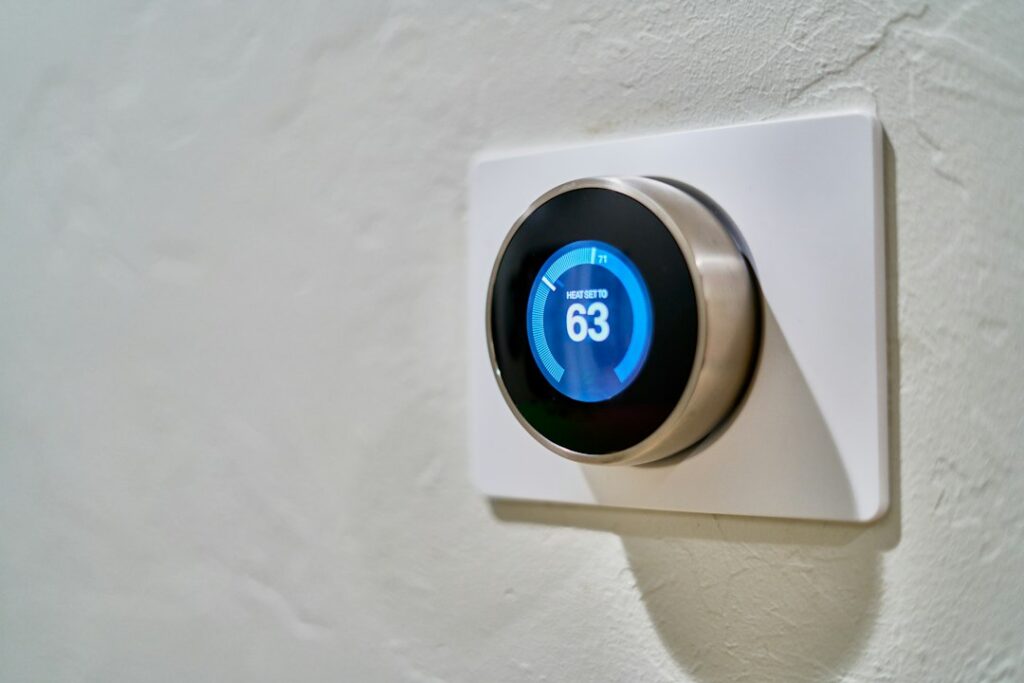
Featured photograph: Dan LeFebvre via Unsplash. Illustrative smart thermostat; the photograph does not establish which monitoring features this device supports.
Updated September 27, 2026. This AI-assisted article draws on the linked sources. Examples described as illustrative are hypothetical. This is general information; see our disclaimer.


