A short nature recording can remind you to notice the place around you: a changing patch of light, moving branches, or sounds beyond your own footsteps. AI can help draft the words. You choose the location, check every instruction, and decide whether listening adds anything to the visit.
This is a small creative project you can do with a text assistant and a way to record or read the script aloud. It does not require a subscription to a forest-bathing service, a wearable, or a chatbot running throughout your walk.
What forest bathing means here
Forest bathing, or shinrin-yoku, refers to spending attentive time in a forest rather than bathing in water. For example, an archived National Park Service event describes a slow experience with voluntary invitations to notice nature. That past event is an example, not a current booking opportunity.
A recording you make at home is not equivalent to instruction from that program. Nor does calling it “AI-personalized” establish a health benefit. The NCCIH review of meditation and mindfulness describes limitations in the research and possible unwanted effects. It does not validate your generated audio. Treat this project as an optional way to observe your surroundings, not treatment for anxiety, high blood pressure, or another condition.
Choose the place before writing the script
Pick somewhere familiar that suits your circumstances, such as an established park path with an appropriate stopping place. A seated observation from a garden or window is another option; you need not travel to a remote forest to try the writing exercise.
For a park visit, check the land manager’s current information for access, terrain, closures and conditions. “Easy” or “accessible” in an AI answer is not a verified description. The NPS trip-planning guidance emphasizes preparation, weather, supplies, an appropriate route and staying aware of your surroundings. Follow advice appropriate to the actual place and activity.
Keep navigation separate from the audio. A sentence such as “turn toward the stream” is unsuitable if the system has invented a stream or a route. Our article on planning an outdoor trip with AI covers checking the practical details.
Give AI a narrow writing task
Choose a small number of invitations and plain language. Ask for silence between them instead of a continuous speech. You can supply preferences without disclosing your medical history, exact location or daily movements.
Try this example prompt:
Draft three short, optional nature-observation prompts for a person already seated in a suitable place. Use ordinary language and leave room for silence. Do not give directions, identify species, ask me to touch or taste anything, alter my breathing, close my eyes or move closer to wildlife. Do not promise calm or health benefits. Offer a visual alternative to listening, and allow me to skip any prompt. Mark pauses as production notes, not spoken words.
Read the result before choosing a voice. Remove imagined weather, animals or scenery. A useful invitation should still work if no birds are singing and the visit feels ordinary.
Check a small example
The following is an original example for reviewing a draft, not a treatment or an on-site safety assessment:
- “If this is a suitable place to pause, notice one visible detail without moving toward it. It might be a shape, a color or a patch of shade. You can skip this invitation.”
- “If you wish, notice a sound nearby. If listening does not suit you, notice how the light changes instead. There is no need to name what you notice.”
- “Choose one detail you would like to remember. You can end here or continue your visit without the recording.”
These sentences avoid assuming you can hear a particular sound, recognize a bird or walk on uneven ground. They also leave the decision to stop with you. If a generated instruction feels distressing or uncomfortable, stop rather than treating discomfort as evidence that it is working.
Make and test the recording at home
Record yourself, use an available text-to-speech tool, or keep the words as a short printed card. AI can write the script even if you use no AI voice. When creating audio, add pauses using the recording tool’s controls; otherwise it may read a note such as “pause here” aloud.
Play the finished version from beginning to end. Check volume, pronunciation, pacing and whether an unexpected instruction slipped in. Save an offline copy if your chosen tool permits it, and test playback without a connection. Keep enough phone power for your actual trip needs.
Let the surroundings take priority
Use a prompt before setting off or while safely stopped, then put the device away. Avoid audio that masks approaching people, vehicles or other important sounds. Do not broadcast a recording through a speaker in a shared quiet space.
The NPS soundscape suggestions encourage attention to the sounds already present and consideration for other visitors and wildlife. Your recording should leave room for that experience. Afterward, ask whether it helped you notice something or mainly interrupted the visit. Shortening it, using a card, or leaving it at home are all reasonable outcomes.
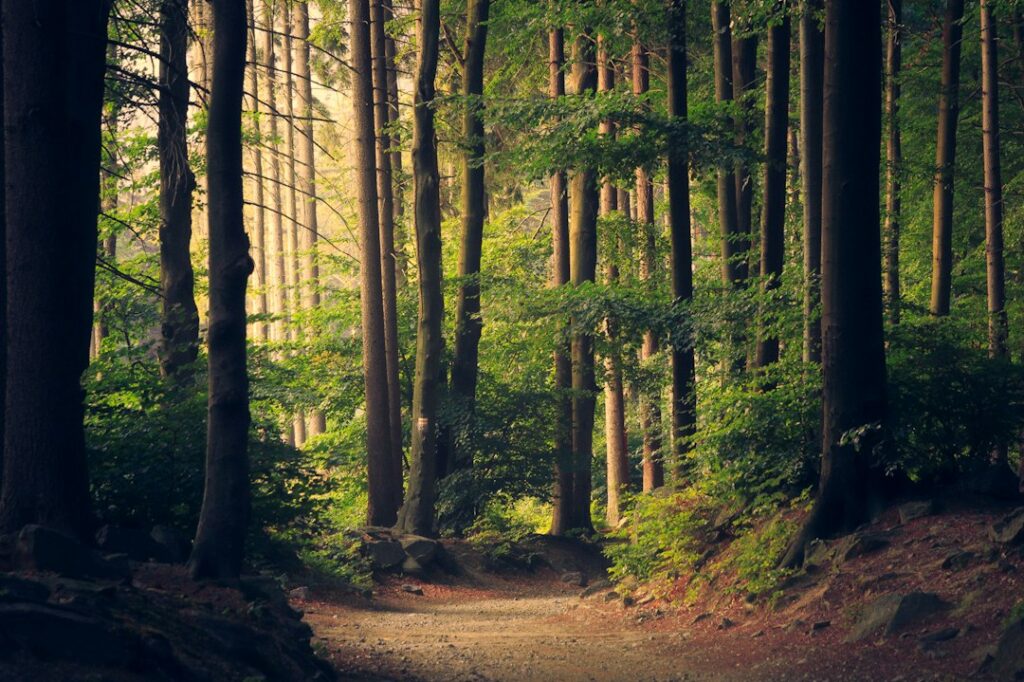
Photo: Lukasz Szmigiel on Unsplash. Illustrative woodland photograph, not a verified route or an advertised guided tour.
Updated September 26, 2026. Prepared with AI assistance and checked against the linked sources. This is general information, not personal medical, legal, financial or other professional advice, and not a hands-on product test. See our disclaimer.
Website controls updated : added copying, manual text selection, text-file saving and article text-size choices for the complete practice request. The request text is unchanged. See the checks and remaining accessibility limits. This update is not a new source review or AI-product test.