MAKE SOMETHING USEFUL. ONE STEP AT A TIME.
A little practice. Something to keep.
Choose a project that matters to you. Each path connects three practical guides, with examples and checks along the way. You can spread the steps over several days.
Family memories · Work routines · Home organization · Learning · A service idea · Your AI habit
Brand new to AI? Try the five-minute first task before choosing a project.
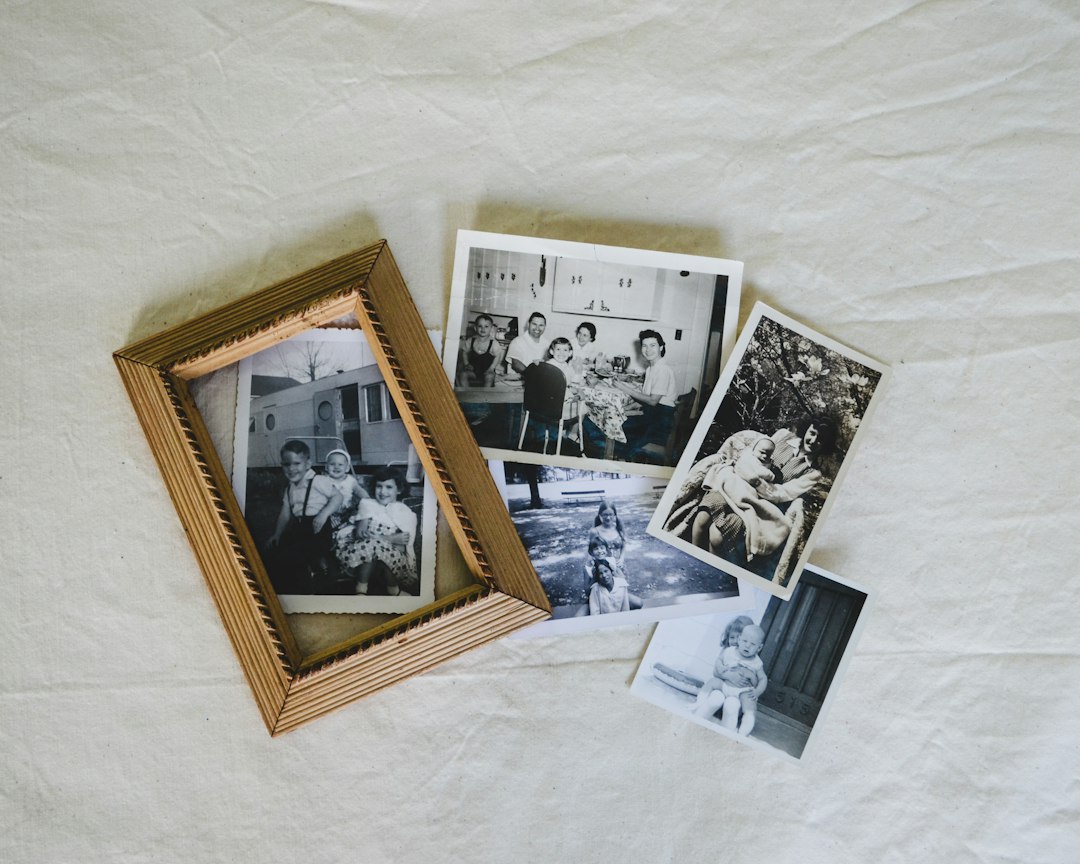
PROJECT 01 · START WITH 10–15 MINUTES
Preserve a family memory
Turn one short memory into a checked page you can keep.
Your finish point: A page that preserves the known facts, marks anything uncertain, and keeps the original material safe.

PROJECT 02 · START WITH 10–15 MINUTES
Make one work routine clearer
Practice with fictional notes before adapting a routine you are allowed to use.
Your finish point: One checked routine with clear actions, named responsibilities where known, and missing details left visible.

PROJECT 03 · START WITH 10–15 MINUTES
Organize one corner of home
Start with one shelf or drawer and a decision you can review yourself.
Your finish point: A small item list and a realistic next action. Keep sensitive details out of your practice prompts.

PROJECT 04 · START WITH 10–15 MINUTES
Learn something worth sharing
Choose one skill, practice it, and explain a small part in your own words.
Your finish point: A manageable practice plan and one activity another learner can try, with a way to check the result.

PROJECT 05 · START WITH 10–15 MINUTES
Explore a service idea carefully
Clarify a problem before spending time or money building a solution.
- Prepare neutral interview questions
- Explain the offer in one sentence
- Design a small test of the idea
Your finish point: An understandable offer, a question to investigate, and a test that uses real observations rather than imagined demand.

PROJECT 06 · START WITH 10–15 MINUTES
Build an AI habit that earns its place
Find out what actually helps, then keep the useful parts for next time.
- Count the time for the whole task
- Record what worked and what needed fixing
- Save one reusable prompt
Your finish point: A checked prompt, a short note about its limits, and a decision about whether the task is worth repeating.
Use the example. Then make it yours.
Open the first guide in a path and try its fictional exercise. Compare your answer with the checks before moving on. Adapt the idea to your own task only when you understand what the AI got right and what still needs your judgment.
Save your result in a document or notebook you control. These pages do not store your progress. For a real task, use only information you are comfortable and authorized to share with the AI service.
Small is a good place to start.
One useful page, clearer routine, or checked prompt is enough for a first project. Choose a short practice lesson if you prefer a single task.
Stuck on a step? Visit AI Help. New word? Use AI Words, Simply Explained.
Learning paths assembled with AI assistance on October 10, 2026. Practice examples are fictional. Photos are illustrative stock images, not learner testimonials. How we review our guidance.