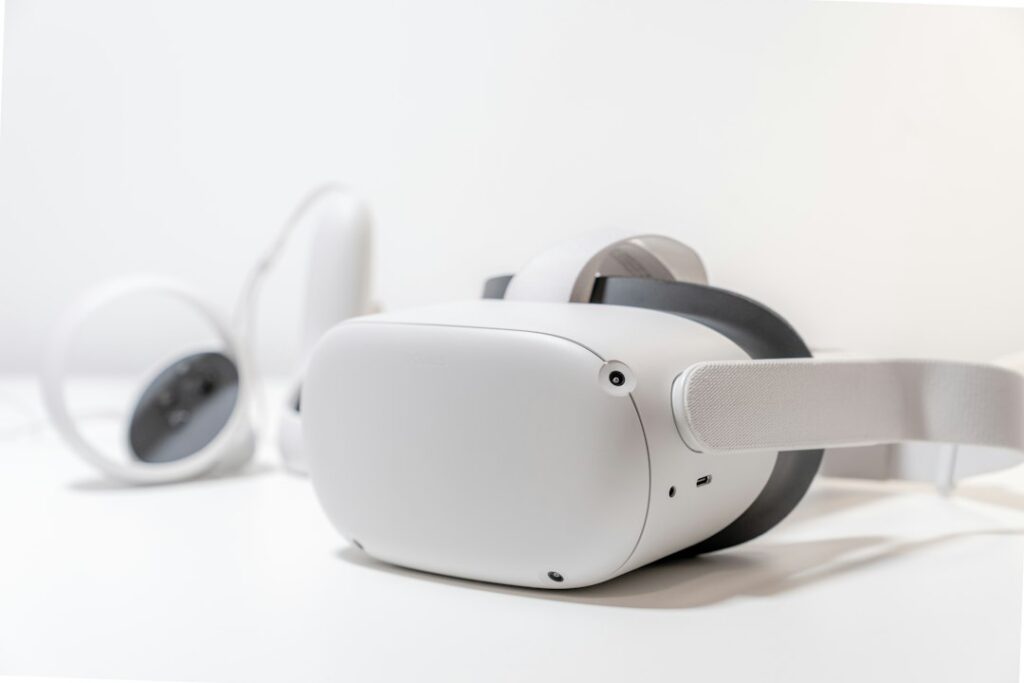
A family photograph can feel different when it fills your view and appears to have depth. Virtual reality can offer a new way to enjoy that photograph. It does not give an AI system access to everything that happened outside the frame.
If you are revisiting pictures from childhood or sharing them with another generation, start with a simple distinction: a recording, a viewing effect, and an imagined reconstruction are different things. Keeping those labels clear helps you enjoy the experience without quietly changing the family record.
Know what the experience is made from
A spatial recording captures a scene using compatible equipment. Apple, for example, documents how to capture spatial photos and videos on Vision Pro. That is different from taking an ordinary old photograph and adding a depth effect afterward.
Apple’s description of spatial scenes says they use generative AI to give photos a sense of depth. Its viewing instructions explain how to switch the effect on and off. A convincing effect is still a generated interpretation of the supplied image, not a newly discovered camera view from the original day.
A more ambitious reconstruction might create an entire room, animate a person, or add speech. Treat any details the original material does not establish as invented or uncertain. A familiar-looking face cannot tell you what that person actually said.
Choose one moment before choosing a tool
Pick a photograph or short recording you already value. Decide what you want to do with it: view it at a comfortable size, try a depth effect, or make a clearly labeled creative scene. Those goals require different features.
Before paying for an app or headset, check its official instructions for supported files, devices, software, account requirements, and export options. Ask whether the result can be viewed outside that app and what happens if you cancel. Try a nonsensitive sample first. Product demonstrations do not show whether your faded scan or unusual file format will work well.
You can also decide that a normal slideshow is the better experience. The point is to enjoy the memory, not to make every photograph immersive.
Keep the original easy to recognize
Work from a separate copy and leave the original scan or recording untouched. Use a name such as “garden-party-original-scan” for the source and “garden-party-generated-depth” for the experiment. Record the tool, date, and changes alongside the result.
The Library of Congress’s personal photo guidance recommends descriptive filenames, useful descriptions, copies in separate places, and periodic checks that files remain readable. A special viewing format should not become your only remaining version of a family photograph.
For help with names, dates, and captions, see organizing family memories with AI. Leave a guessed date marked as a guess, even if the new image looks very convincing.
Inspect the result before sharing it
Compare the generated version with the source at ordinary size and while using the immersive effect. Check faces, hands, bodies, signs, clothing, furniture edges, and the spaces around overlapping people. Look for a changed expression, an extra finger, a missing person, or a background object that was never visible.
Do not ask another AI to certify that everything is accurate. Use the original photograph and, where appropriate, ask someone who knows the scene. If a tool adds details you cannot verify, keep the result labeled as an interpretation or discard that version.
Help me write a caption using only these notes: [verified facts]. Keep uncertain names and dates labeled as uncertain. State that this version uses an AI depth effect. Do not invent dialogue, feelings, events, or details hidden from the original photograph.
Review the caption yourself. An instruction reduces ambiguity; it does not guarantee a faithful answer.
A fictional example: the family garden party
Imagine that a 1980s photograph shows relatives around a table. A generated view appears to reveal a chair behind someone’s shoulder. The original image does not show enough of that area to confirm the chair.
A useful label is “AI depth interpretation of our garden-party photograph; some hidden details are generated.” Keep a separate note of who identified the people and which date remains uncertain. Do not add the chair to a written family history as an established fact. This is a fictional example, not a product test.
Make sharing a choice
Ask before uploading or animating identifiable relatives, especially when a scene is private or emotionally sensitive. Explain the intended audience and check the service’s storage, sharing, and deletion settings. An ordinary family-photo permission should not be assumed to include making someone speak in a generated video.
Follow the headset manufacturer’s fit and safe-use instructions, keep the surrounding space clear, and stop if viewing feels uncomfortable. Nobody needs to participate to prove that they value the memory.
A successful experiment leaves you with something enjoyable and an intact original, with the difference between them easy for the next viewer to understand.
Updated September 24, 2026. Prepared with AI assistance and checked against the linked sources. Fictional examples illustrate a workflow and are not reports of product testing. See our disclaimer.
Featured photograph: Vinicius “amnx” Amano / Unsplash. VR headset shown for illustration; features differ by device.