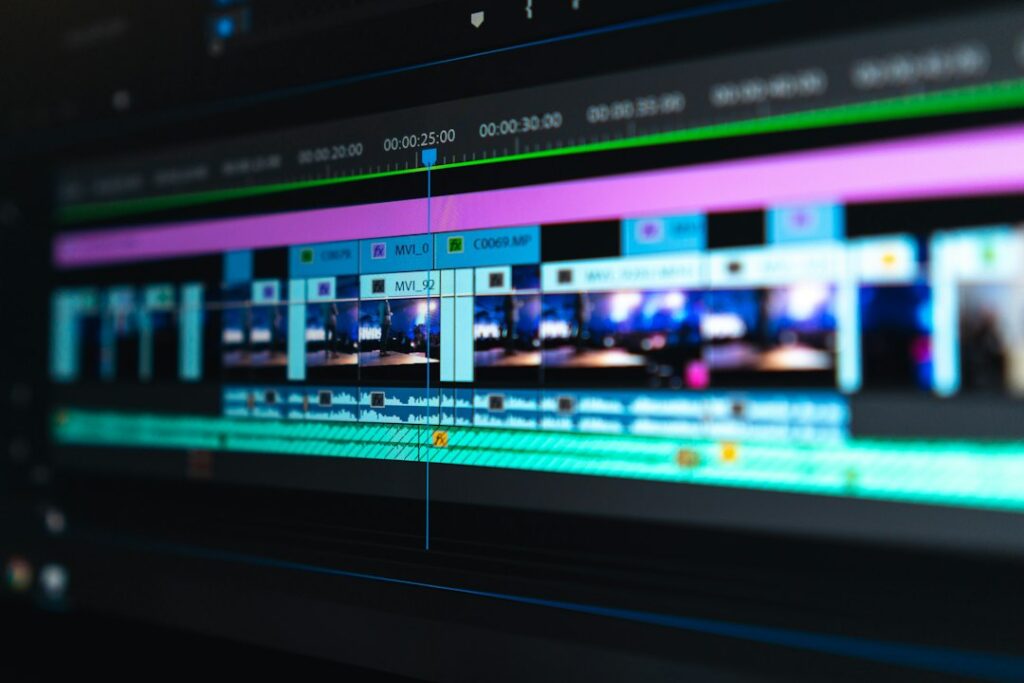
An AI-assisted editing service can be useful when a client has footage but needs help turning it into a clear finished video. The sellable work is selection, pacing, accuracy and dependable delivery. Buying an AI tool does not automatically give you those skills or guarantee customers.
Start with a type of material you understand: a short interview, a local business demonstration or a recorded lesson. If you are exploring a new income stream alongside work or family commitments, a narrow service is easier to assess than promising every kind of video production.
Define one deliverable
Write a sample brief before choosing software. For an illustrative project, a client supplies a ten-minute interview and wants one two-minute website video plus a short vertical excerpt. Those are proposed project limits, not estimates of how long editing will take.
Specify the source-footage limit, finished lengths, screen formats, deadline, caption files and revision rounds. Ask where the videos will appear and who approves the content. Clarify whether filming, animation, translation, music licensing and posting are separate services.
Request a short representative clip before quoting. Listen for background noise and overlapping speech; look for focus, lighting and resolution problems. Explain limitations early. A promise to “fix anything with AI” can create a job you cannot finish satisfactorily.
Agree on permissions before uploading
Confirm that the client has permission to use the footage, voices, music, logos and other supplied material for the intended purpose. Agree on which cloud tools may receive their files, who can access the project and when working copies will be removed.
Do not upload confidential meetings, private customer details or unreleased business information to an AI service without appropriate authorization. Check the provider’s current retention and model-training terms for the actual account being used. If they do not meet the client’s requirements, use an approved alternative or decline that processing step.
Keep the originals separate from your working edits. An edited interview should preserve the speaker’s meaning; removing a qualification to make a stronger claim can misrepresent what was said.
Use a transcript to build a rough cut
Adobe Premiere’s Text-Based Editing is one example of the workflow: speech is transcribed, and editing the sequence transcript can rearrange the corresponding clips. It is a way to navigate and assemble spoken footage, not a replacement for checking the timeline.
Review names, technical terms, numbers and negations against the audio. A missed “not” matters more than a misplaced comma. Mark useful passages with their timecodes, then arrange an opening, essential explanation and appropriate ending.
Using only this approved transcript, suggest a two-minute interview outline. Preserve the speaker’s meaning. Give the original timecodes for each proposed section. Flag statements that need verification, and do not invent connecting quotations or claims.
Return to the video after selecting the text. Check awkward cuts, repeated gestures and sentences that need context. Do not automatically remove every pause; some pauses make speech easier to follow. Adobe distinguishes this workflow from caption creation and recommends generating captions from the finished sequence.
Inspect the export in separate passes
- Watch the story pass: does the video explain the promised subject without misleading edits?
- Listen to the audio pass: check speech clarity, abrupt changes, distorted processing and music that masks words.
- Read the caption pass: correct names, timing, line breaks and missing speech.
- Watch the framing pass: inspect every crop for cut-off heads, hands, demonstrations and on-screen text.
- Check the delivery pass: open the exported file, confirm duration and format, and watch it on the intended device.
For vertical excerpts, do not assume automatic reframing follows the correct subject throughout. A demonstration may need both the person’s face and the object they are using. Preview with platform interface areas in mind so captions and important details stay visible.
If audio needs more attention, the separate article on checking AI audio processing explains why comparing processed and original sound matters. Avoid presenting an enhancement setting as universally correct.
Make the handoff easy to review
Send a review copy with a clear filename and request timecoded feedback from one designated approver. Separate corrections to the agreed brief from requests for additional versions. Confirm any extra charge before doing out-of-scope work.
Deliver the agreed final exports, caption files, license notes and project files if included. State which fonts, plugins or subscriptions would be needed to reopen an editable project. Do not claim the client received editable source files if you supplied only a rendered video.
Record the time spent briefing, editing, rendering, checking and revising. Compare the fee with those hours and your actual costs before expanding the service. A small portfolio of authorized samples and reliable delivery tells a prospective client more than unsupported promises about views, sales or enormous time savings.
Featured photograph: Peter Stumpf on Unsplash. Illustrative stock photograph; it does not depict an AI-generated result or a tested product.
Updated September 26, 2026. This article was created with AI assistance. For general information; check current product terms and obtain qualified advice where appropriate. Read our disclaimer.


