AI software can estimate where body landmarks appear in an image or video. That can support a movement demonstration or a fitness feature. It does not automatically establish the condition of your spine, the cause of pain or the exercise plan that is right for you.
There is no single ideal posture score everyone needs after turning 40. Before using an app to “correct” your body, understand what its display actually represents and what evidence supports its recommendations.
A pose estimate is not a medical examination
Google’s MediaPipe Pose Landmarker documentation describes software that estimates 33 body landmarks from images or video. These are approximate locations generated by a model. They are not an X-ray or a direct measurement of every joint and spinal structure.
Our practical interpretation is that an overlay can help describe visible movement, but the overlay alone does not establish a clinical diagnosis. An app needs separate evidence for claims about identifying a condition, preventing injury or selecting treatment.
A label such as “90% accurate” is incomplete without the task, comparison standard and testing conditions. Locating a shoulder point accurately and diagnosing the cause of shoulder pain are different claims.
Ask what the app knows about you
Check whether its recommendations account for your history, existing restrictions and the activity you are trying to perform. A generic video score may not include information a clinician would consider important.
Camera angle, framing and visible landmarks can affect what the software sees. If a body part is hidden or falls outside the image, do not assume a generated line proves that the model measured it correctly. Ask the provider how it handles uncertainty and unsupported recording conditions.
Do not increase exercise difficulty or repeatedly force a position simply to make an app’s indicator turn green. A score is useful only when its meaning and appropriate use are clear.
Use technology for a modest task
If you have concerns, begin with an observation you can explain: “My neck feels uncomfortable after this work task,” rather than an AI diagnosis. Record when it happens, what you were doing and the question you want answered.
You can ask AI to organize those notes:
Turn these observations into questions for a qualified health professional. Preserve what I reported and keep possible explanations uncertain. Do not diagnose a posture problem, interpret joint angles or prescribe stretches, exercises or treatment.
Check that the result does not add symptoms or suggest that a single posture caused the problem. You do not need to collect weeks of videos before asking for help.
If a professional requests a recording
Ask what they need to see, how to record it safely and which secure channel to use. Follow their instructions rather than an unrelated app’s filming routine. Do not attempt an unfamiliar balance test, painful movement or loaded exercise to generate data.
Keep other people and private documents out of view. Find out whether the software stores the video, processes it remotely or shares it with anyone else. A recording of your body deserves the same care as other sensitive personal information.
If the recommended setup is difficult to manage safely, ask for another assessment method. Capturing a technically impressive clip is not the goal.
Separate comfort adjustments from treatment
A clearer screen or an easier-to-reach keyboard may make a work task more comfortable. That does not establish that a medical condition has been corrected. Our screen-comfort article explains ordinary display adjustments without treating them as eye care.
The NHS neck-pain information advises seeking medical advice for ongoing or worrying pain and associated symptoms such as pins and needles. Do not accept a reassuring chatbot explanation as a reason to postpone appropriate assessment.
If you already have a professional treatment plan, use a reminder or checklist to support it. Confirm any proposed change with the professional responsible, particularly if an exercise is uncomfortable or the instructions conflict.
Judge the tool by the task
Before subscribing, ask whether the app provides useful feedback you can understand, explains its limits and lets you stop or delete recordings. Avoid paying for a promise that a phone can diagnose and fix every alignment problem.
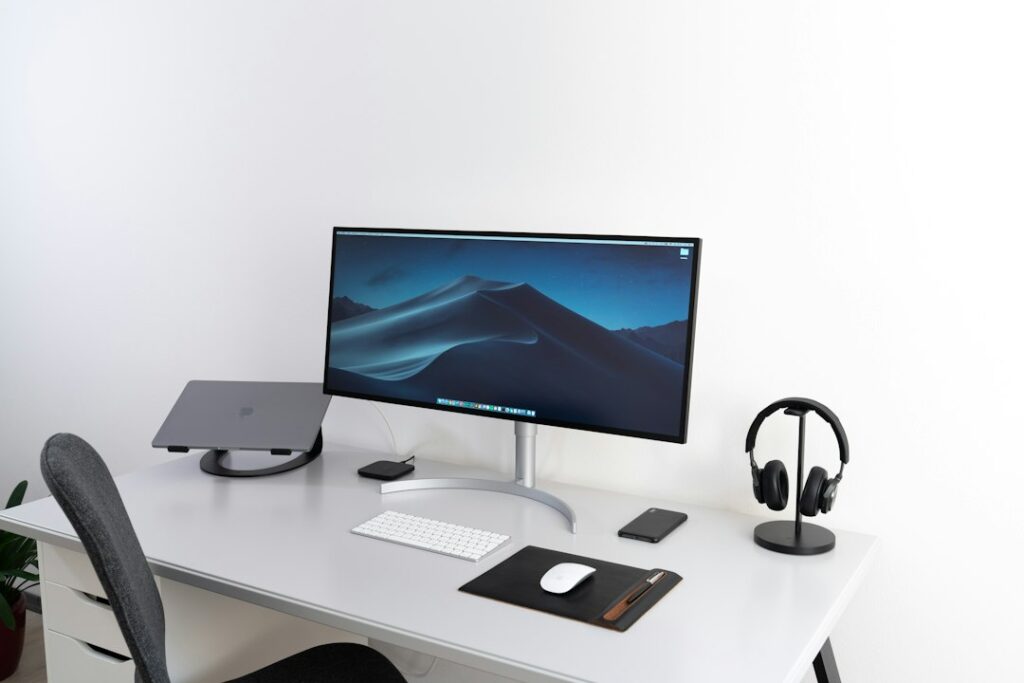
The workspace photograph here is illustrative, not a prescribed ergonomic arrangement. The same distinction applies to the technology: a helpful illustration or measurement aid should remain separate from personalized clinical advice.
Reviewed September 30, 2026. Prepared with AI assistance and checked against the sources linked in this article. Examples are illustrative. Read our editorial and information disclaimer.
Illustrative photo by Nikolay on Unsplash.


