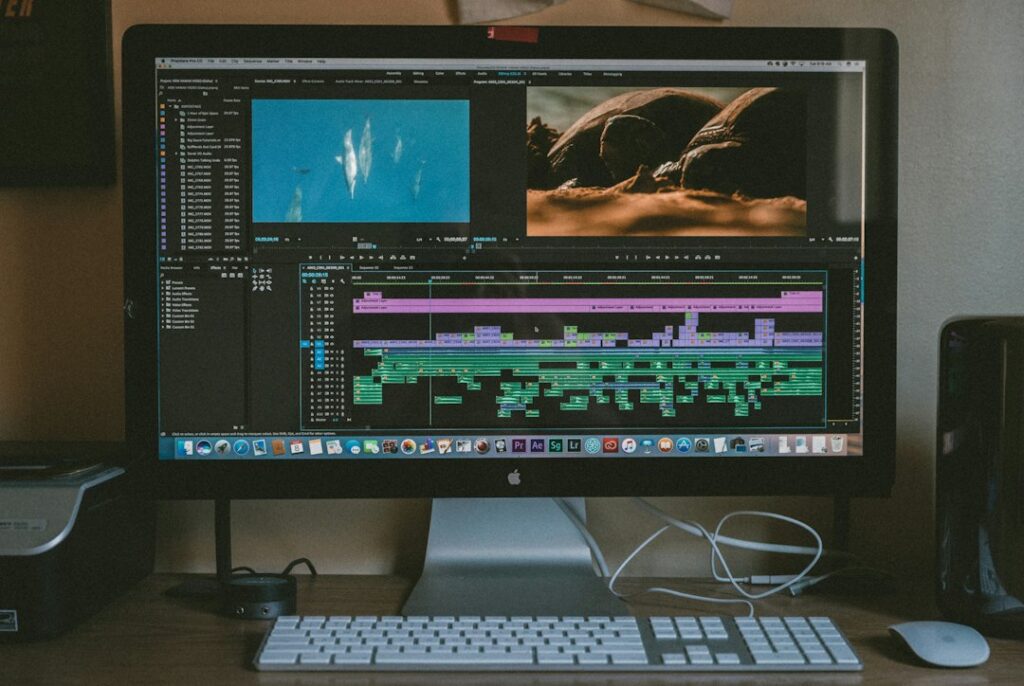
AI can help organize footage, suggest a trailer outline and prepare a rough edit. It cannot decide by itself which promise your film should make to an audience. That is the editor’s job, working with the filmmaker.
Start by distinguishing a trailer for a completed film from a concept video for a film that does not yet exist. Both can be useful, but viewers should be able to tell which they are watching. Generated scenes should not quietly become evidence that footage, actors or locations are already secured.
Agree on one audience and one purpose
A festival submission, a crowdfunding pitch and a public release announcement need different information. Ask the filmmaker who will watch, what they should understand and what action should follow. Set the target length and delivery format before assembling clips.
For a fictional example, a filmmaker has a completed short documentary about a local repair cafe. The trailer’s purpose is to encourage attendance at a community screening. It needs to communicate the subject, the people and the screening details without implying that the film proves every product can be repaired.
Inventory the approved material
List each clip, its timecode, the speaker or subject, its approved use and any restrictions. Include music, photographs, logos and titles. Ask the rights holder which assets you may upload to outside tools; access to a file is not automatically permission to process it through a cloud service.
Keep unreleased footage and personal information out of an unapproved tool. If permissions are unclear, work with a non-sensitive written shot list while the filmmaker resolves them. Do not clone a performer’s voice or likeness merely because a reference recording is available.
Use a transcript to find possible moments
Adobe Premiere’s Text-Based Editing can transcribe dialogue and connect transcript selections with edits on the timeline. Its documentation notes that the source needs spoken dialogue and that captions are generated from the final edited sequence separately. These features can help locate material; they do not replace watching the footage.
Check names, technical terms and who is speaking before building an edit around the transcript. Silence, facial expression and the surrounding question can change a sentence’s meaning.
Here is a suggested planning prompt using an approved shot list:
Propose a 45-second trailer outline for this completed documentary using only the shots and quotations listed below. For every suggestion, identify its source clip and timecode. Mark missing material instead of inventing it. Show an opening moment, the central question, two contrasting moments and a closing screening invitation. Avoid spoilers and fabricated praise.
Build a rough cut with a clear question
For the repair-cafe example, an opening shot might show a volunteer examining a broken lamp. A brief participant quote can establish why repair matters to them. Two different repair attempts can suggest the film’s range before the closing invitation. This is an illustrative structure, not a formula for audience growth.
Use the actual approved material even when an invented line would sound more dramatic. Do not splice phrases into a statement the speaker never made. The filmmaker should review the rough cut for meaning as well as pace.
Allow space for viewers to understand titles and voices. Watch a version without music: if the subject becomes incomprehensible, stronger music may be concealing a weak sequence rather than fixing it.
Keep generated concept footage clearly identified
If the project is still a pitch, agree how simulated scenes will be labeled. A visible concept label and a clear explanation in the pitch materials help distinguish an idea from existing production footage. Confirm the generator’s current terms for the specific commercial use.
Inspect generated clips frame by frame where needed. Check faces, hands, reflections, moving objects, lettering and continuity between shots. A believable single frame can still turn into a distorted sequence. Replace a faulty shot with an approved still or a simpler visual when appropriate.
Review sound, captions and every delivery version
Listen to the entire exported file. Confirm that dialogue is intelligible, audio transitions are clean and music use is licensed for the planned distribution. Our AI music licensing article explains why background use and standalone track rights differ.
Proofread captions against the final audio, including names and timing. Check titles and important faces in each crop. A vertical version needs its own review; simply cutting the sides off a horizontal edit may hide essential information.
If you offer this as a service
Specify what the client supplies, the length and number of versions, revision rounds, approval deadlines and who clears rights. Describe AI use accurately. Price for reviewing, editing and communicating as well as generating a draft.
Obtain written approval of the exact final files before public release. Retain the approved edit and permission records according to the agreed retention plan. A successful first assignment is a truthful, usable trailer delivered within scope, not a promise of festival acceptance or ticket sales.
Sources and editorial note
AI-assisted article, researched and revised September 27, 2026. This is educational information, not professional advice. See our disclaimer.
Illustrative photo by Jakob Owens on Unsplash.


