An attractive square on your screen is only the beginning of a fabric pattern. Once repeated across a cushion, shirt or curtain, a small edge defect can become a very visible stripe. AI can help explore motifs and color combinations, but the finished design still needs deliberate preparation and testing.
If you enjoy sewing, illustration or surface design, begin with one pattern for one intended product. Keep the experiment small enough that you can inspect every part and afford a physical sample before offering it to someone else.
Write a practical design brief
In this fictional example, a designer is preparing a pattern for an adult tote bag: scattered leaf shapes, three muted colors and generous open space. The buyer wants a relaxed arrangement that still looks pleasant when the fabric is cut into panels.
That is a stronger starting point than “make a profitable textile trend.” Specify the product, intended motif size, palette, background, repeat arrangement and unwanted elements. Avoid requesting a recognizable brand, character or living artist’s signature style as a shortcut to originality.
A starting prompt could be: “Create a concept for scattered abstract leaves on a cream background, using muted green, blue and rust. Leave space between motifs. No lettering, logos or objects that resemble known characters. Keep the shapes simple enough to inspect and redraw.” Treat the result as a concept to evaluate, not a certified seamless file.
Inspect the artwork before building the repeat
Zoom into every motif. Look for malformed leaves, accidental faces, stray marks, inconsistent outlines and unwanted writing. If there are people or animals, inspect all body parts and their connections. Removing one bad shape may be better than regenerating the entire design.
Retain an editable working file. Record which elements you drew, arranged or revised, and which came from a generator. Check the tool’s current commercial terms and the permissions for any uploaded reference images. A pleasant result does not establish rights to everything it resembles.
Test where the tile meets itself
Place copies of the tile next to one another in your design software and examine the joins at full size. Look at both horizontal and vertical edges, then step back and view a larger repeated area. A shape cut at one edge should meet its continuation properly at the opposite edge when using a basic repeat.
Spoonflower’s repeat-flaw guidance explains that tiny gaps or misalignment can create printed lines and visible tile boundaries. It recommends digital inspection and physical test swatches. The printer uses the uploaded design; it does not repair the repeat for you.
For the tote example, inspect the pattern at the scale of the whole bag as well as the individual leaf. Even a technically seamless tile can make an unintended diagonal band or a distracting cluster. Change the arrangement and repeat the check.
Match pixels to the intended print size
Ask the printer for its current file, color and resolution requirements. Do not apply one supplier’s settings to every product. Spoonflower’s sizing guidance uses 150 pixels per inch for its fabric workflow; other suppliers may specify something different.
For a simple calculation example, a 900-pixel-wide tile at 150 pixels per inch is six inches wide. At 300 pixels per inch, those same pixels cover three inches. Changing a resolution label does not create new image detail. Confirm the actual printed motif size in the supplier’s preview.
Write the desired leaf size in the job notes. Otherwise, a later upload or scale adjustment could turn a subtle pattern into oversized foliage without anyone noticing until delivery.
Order a sample on the actual material
Inspect the sample in ordinary lighting. Compare the colors, fine lines, fabric texture and repeat joins with your expectations. If the intended use involves washing, follow the material’s care instructions and assess the sample afterward. Keep notes and the version number for the file that produced it.
A screen mockup cannot show exactly how a print will behave on every textile. Avoid universal durability or environmental claims unless you have evidence for the particular product and process.
Define what a buyer is receiving
A design-file sale, a printing service and a license to manufacture products are different offers. Before agreeing on a price, identify the file versions, allowed products, duration, territory, exclusivity, changes and delivery responsibilities. Get appropriate professional help with commercial agreements rather than relying on AI-generated contract language.
Do not promise that AI output is exclusive just because you generated it. U.S. Copyright Office guidance distinguishes human creative contributions from purely generated material; prompts alone do not establish copyright protection. Keep your offer consistent with the rights you can actually grant.
Prepare one approved repeat, a scale reference, sample photographs and clear production notes. That small, usable package is a better starting point than a large catalog of untested patterns.
Sources and editorial note
- Spoonflower: checking repeat flaws
- Spoonflower: sizing a design
- U.S. Copyright Office: AI copyrightability
AI-assisted article, researched and revised September 27, 2026. This is educational information, not professional advice. See our disclaimer.
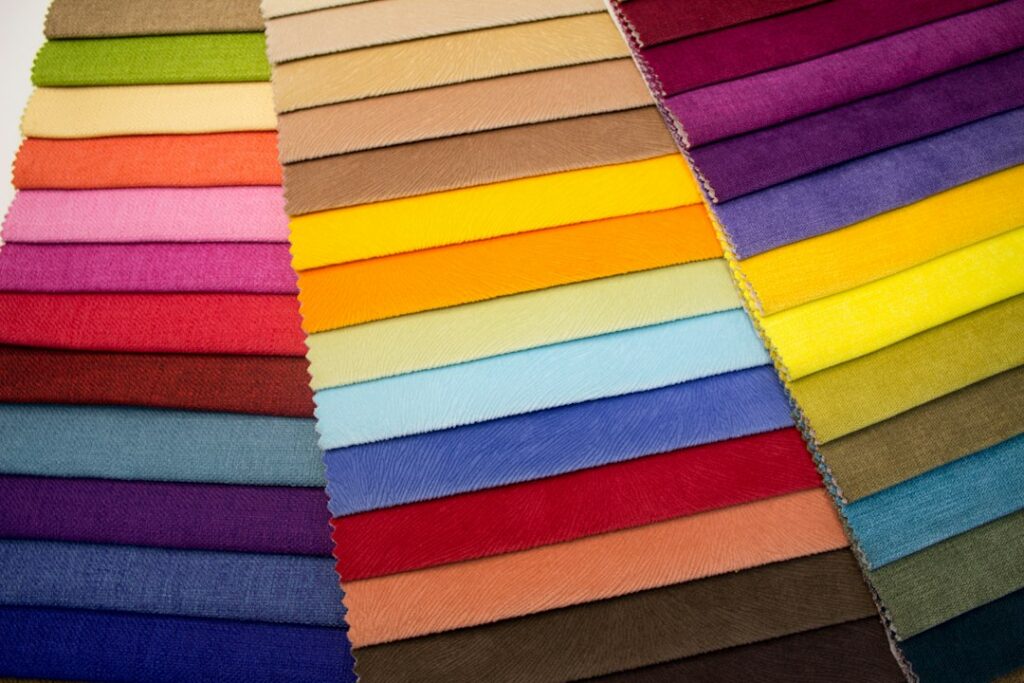
Illustrative photo by Ekaterina Grosheva on Unsplash.