For information and education only. This article does not replace advice from your healthcare team. Do not change treatment or delay care because of an AI response. Read our full disclaimer.
Telehealth lets you meet a healthcare professional remotely. A video appointment is not automatically an AI service, and a conversation with a chatbot is not the same thing as seeing a clinician.
AI can still help with the practical preparation: making a checklist, simplifying the office’s setup instructions, or arranging questions you already want to ask. Keep the medical assessment with the healthcare professional.
Confirm the visit with the practice
Ask whether telehealth is appropriate for the concern you want to discuss, what the appointment will cost, and whether your coverage applies. Do not assume an online visit is free or that every problem can be assessed remotely.
Use the appointment link or portal supplied by the practice. If an unexpected message asks you to sign in or pay, contact the office using a number you already trust. An AI search result should not be your only evidence that a service is connected to your clinician.
If you are helping a parent or partner, agree on your role and ask the practice how you should join. Let the patient decide what they want help with.
Make a small setup checklist
HHS’s telehealth preparation guidance recommends testing your device, finding a quiet location, checking sound and lighting, and arranging any support you need. Its page also includes short video demonstrations of the technology.
Before the appointment, check the confirmed time, charge the device, and try the camera and microphone. Keep the practice’s phone number nearby. Ask about captions, an interpreter, or other accessibility support in advance. Choose a private place where you can speak comfortably.
You can ask AI to turn the practice’s non-sensitive instructions into a short checklist. Leave out access codes, personal appointment links, and health details it does not need.
Turn these setup instructions into a checklist for a first video appointment. Use only the information provided. Separate tasks to do the day before from tasks to do just before the visit. Mark missing details as “Ask the practice.” Do not invent buttons, links, access codes, or medical instructions.
Check the checklist against the instructions
Read both versions side by side. Has AI changed the appointment time, omitted a required form, or invented an app download? The practice’s actual instructions take priority over a plausible-looking rewrite.
Do a trial connection if the service offers one. If a helper adjusts settings, make sure you can still join and end the call yourself. You do not need to install an extra AI app just to attend.
Prepare what you want to discuss
Use a short appointment sheet for concerns and questions. Keep relevant records and current instructions available. Follow the practice’s directions about any measurements or materials it wants you to bring to the call.
If the service offers automated captions or an AI scribe, ask how they work and how mistakes are corrected. Captions can be useful, but a mistaken medicine name or number needs clarification. See our patient guide to AI scribes.
Agree on a connection-failure plan
Ask what to do if you cannot join or the call drops. Will the clinician telephone you, should you call the office, or will you need another appointment?
HHS’s troubleshooting guide suggests checking the connection, device power, and platform, and contacting the provider’s office when help is needed. Do not spend time repeatedly troubleshooting when you need urgent medical assistance.
Keep the agreed plan after the call
Ask how you will receive the visit summary and any follow-up instructions. If you use AI to turn those instructions into a task list, verify every action and date against the original. Confirm anything unclear with the care team.
A useful AI contribution is fewer administrative details to remember. It should not become a substitute for the appointment or change the plan you agreed with your clinician.
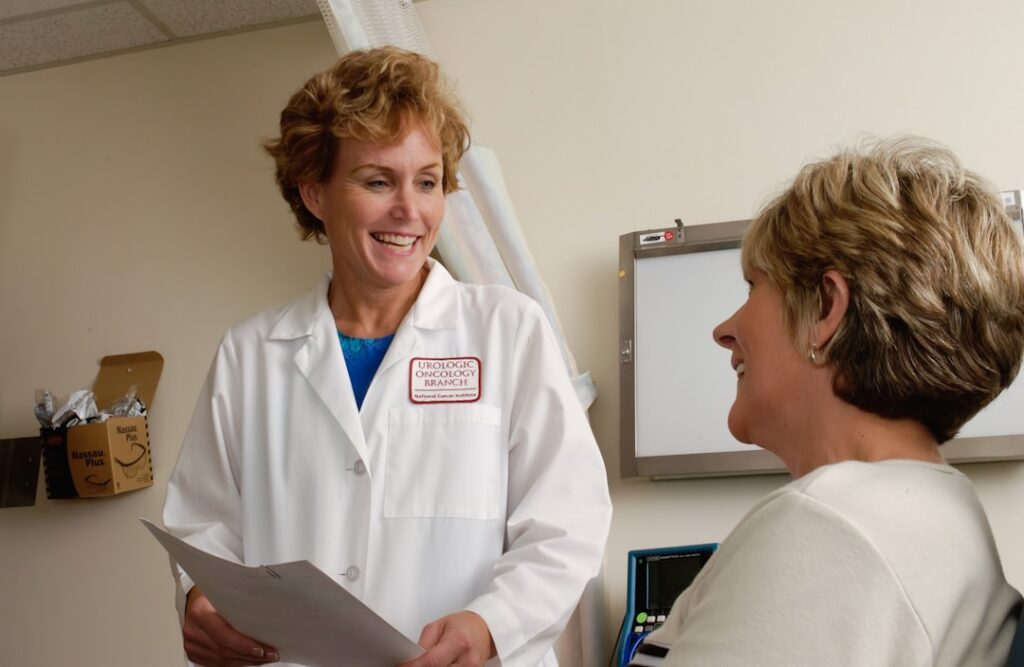
Featured photograph by National Cancer Institute on Unsplash. Photograph used for illustration.
Reviewed October 2, 2026.
AI disclosure: This article was drafted and revised using AI. Read our full disclaimer.