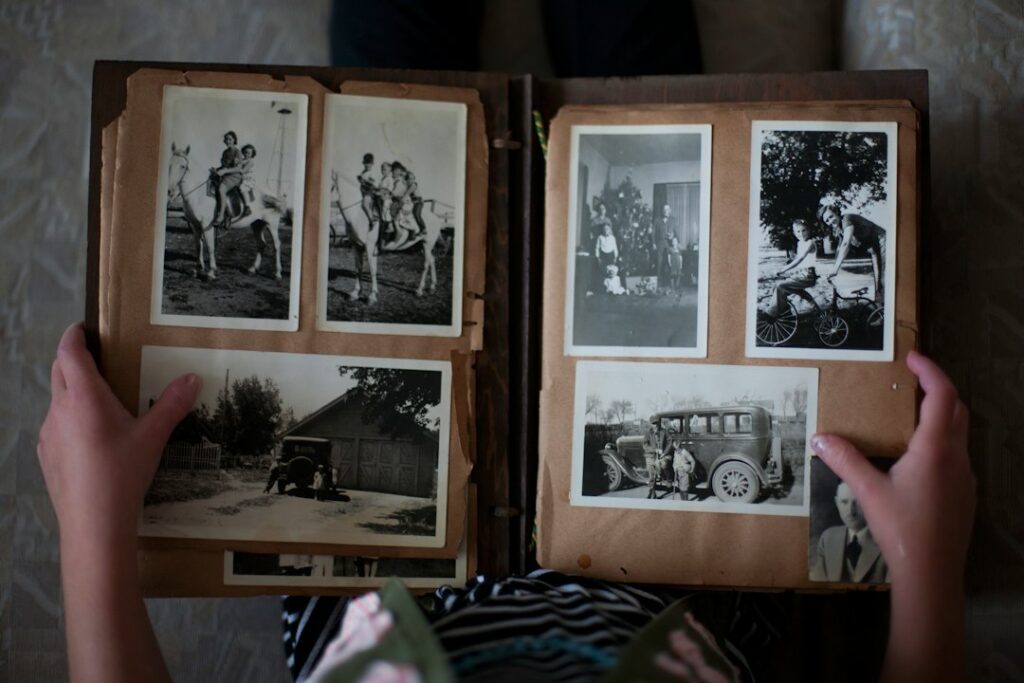
Restoring a faded family photograph can be a useful paid service, especially when the client wants a printable keepsake or a better-organized family collection. AI may help with some editing, but the service depends on judgment, care, and honest expectations.
The central distinction is between improving an existing photograph and inventing missing information. A convincing new face, uniform detail, or color is not proof of what was originally there. Make that distinction part of the brief before offering a result for sale.
Define a small, understandable service
Begin with work you can assess confidently: improving tonal balance, reducing visible surface marks, preparing a print file, or organizing a small set of scans. Keep difficult reconstruction and physical conservation outside the offer unless you have the appropriate expertise.
Describe the deliverable rather than promising to “restore any photo perfectly.” For example: “One digital restoration proof, one revision round, and an approved print-ready file at an agreed size.” Explain whether scanning, printing, colorization, and additional versions are included.
Inspect a sample before quoting. A small scratch across an empty background is a different job from a missing part of someone’s face. If the source is too damaged for the requested result, explain the limit or refer the client to a specialist.
Ask permission and protect the source
Confirm that the client is authorized to provide the images and request the intended work. Ask separately before using their photographs in your portfolio or marketing. A private family commission is not automatic permission to publish a before-and-after example.
Explain which software or cloud services you intend to use and what happens to uploaded files. Agree how images will be transferred, who can access them, and when working copies will be removed. Avoid uploading sensitive photographs merely to test an unfamiliar tool.
Keep the received file unchanged and work on a clearly named copy. Record any names, dates, locations, and descriptions supplied by the client, including uncertainty. If you handle a fragile physical photograph, do not experiment with cleaning or removing it from an album; that may require conservation advice.
Separate restoration from interpretation
Offer the client a choice between a conservative version and optional creative changes. Scratch reduction or tonal correction can aim to preserve the photograph’s appearance. Colorization, facial reconstruction, and background replacement introduce interpretation and should be described that way.
Adobe’s Neural Filters documentation describes AI-assisted enhancement, colorization, and artifact removal, with output choices such as a new layer or document. It also notes that experimental filters can produce varying results and some processing requires an internet connection. Use settings and output methods that let you compare and reverse changes.
Do not let an automatically enhanced face replace a person’s identity without scrutiny. If reliable reference photographs exist and the client authorizes their use, they can help you evaluate the result. Otherwise, leave uncertainty visible rather than presenting invented detail as recovered history.
Review the whole image and send a proof
Compare the original and edited versions at full size and at the intended print size. Look closely at eyes, teeth, ears, hands, clothing edges, repeated patterns, written signs, and the boundary between repaired and untouched areas. Check that the edit has not removed a meaningful object or changed an expression.
Ask the client to confirm the likeness and any personal details you cannot know. Label a colorized or reconstructed proof clearly. Use a simple change list, such as “reduced scratches, adjusted contrast, proposed color added,” rather than a vague claim of complete restoration.
Agree what approval covers. If the client requests a new face, additional people, or a different scene, treat that as a change of scope, not a routine correction hidden inside the original quote.
Deliver usable files and a short record
Provide the agreed final format and dimensions, along with a clearly labeled original copy if that is part of the arrangement. Keep versions easy to distinguish: original scan, conservative restoration, and optional colorized interpretation should not share an ambiguous filename.
The Library of Congress’s personal-photo guidance recommends descriptive names, organization, contextual information, and copies stored in different places. A concise delivery note can help the client preserve the collection rather than receive an unexplained download.
Include the approved change list, suggested print size, and any remaining limitations. Confirm that the files open correctly and that a printing provider’s requirements have been checked if you promised print preparation. Do not advertise archival printing or conservation treatment that you are not providing.
Price the careful work, not the button press
Track intake, scanning if included, editing, inspection, client communication, revisions, and delivery. Include software and any printing expenses. A quick AI draft can still need substantial correction, especially when a family member notices that the likeness is wrong.
Start with a small authorized sample and a clearly scoped job. Use only genuinely completed examples in a portfolio, with permission and accurate descriptions of AI use. A trustworthy restoration service earns its value by preserving meaning and explaining limits, not by promising that software can recover every lost detail.
Featured image: Laura Fuhrman on Unsplash. Illustrative photograph.
Updated September 25, 2026. Prepared with AI assistance. Examples are illustrative. This article is for information and education, not professional advice.


