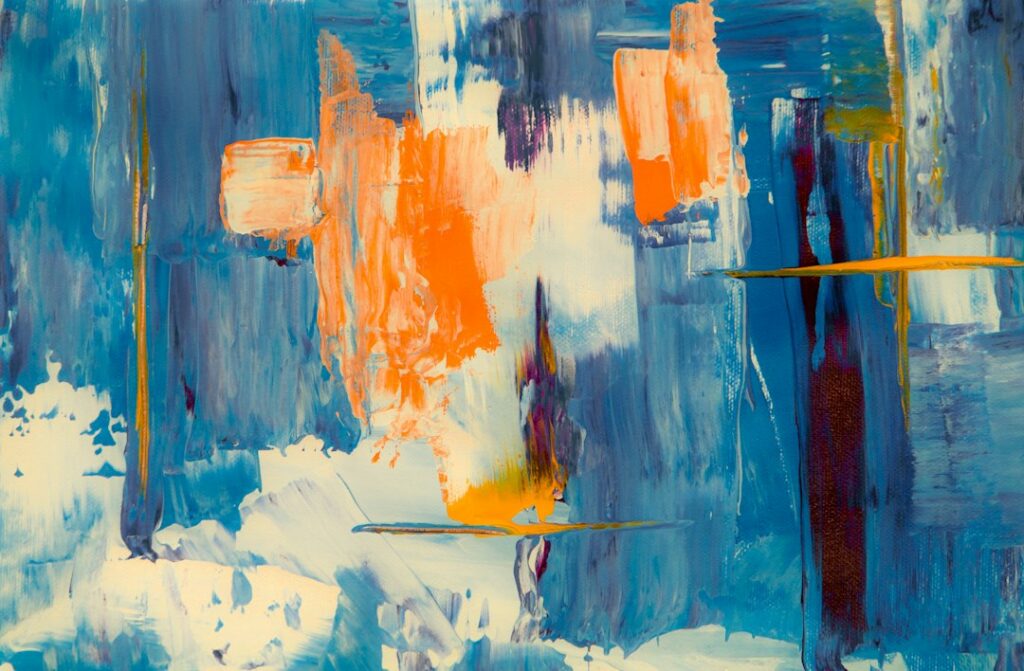
What might a blue spiral sound like? What colors would you choose for a slow piece of music? AI can help you explore questions like these, but the answer is a creative interpretation. There is no single hidden soundtrack that every painting contains.
That distinction matters when a project is promoted as “synesthesia technology.” A tool can connect images and sound through rules, learned patterns, and artistic decisions without reproducing another person’s sensory experience.
Artistic connections are not a diagnosis
Synesthesia involves experiences such as particular letters, sounds, or other triggers being associated with additional sensations. The University of Sussex’s synesthesia researchers describe different forms and considerable variation between individuals. It is more specific than simply deciding that a piece of music feels blue.
An app that pairs a color with a note is presenting a designed mapping. Enjoying it does not establish that you have synesthesia, and it does not show that AI has transferred somebody else’s perception to you.
You can still find the artistic idea interesting. A useful question is: who chose the connections, and how did the technology transform them into the final experience?
A real project to explore
Play a Kandinsky, from Google Arts & Culture with Centre Pompidou and sound artists Antoine Bertin and NSDOS, is one documented example. The project connects Kandinsky’s painting Yellow-Red-Blue with sound, drawing inspiration from his writings and using a machine-learning model.
The project’s own page explains the collaboration and links a film about how it was made. It offers a way to explore the painting’s colors and shapes through a composed musical interpretation and to create a mix.
Approach it as an artwork and an explanation of a process. It is not a recording of what Kandinsky literally heard, a clinical test, or proof that everyone experiences the same color-sound relationships. Browser experiences can also change, so use the current project page for access details.
Try a small experiment of your own
You can begin with materials you already have. Choose your own photograph or drawing, or an artwork you have permission to use. Describe three visible features before asking AI for help: perhaps curved lines, wide empty areas, and a strong orange accent.
Now assign a sound idea to each feature yourself. Curves might suggest a smooth sustained note; empty space might suggest silence; the orange accent might suggest a short percussive sound. Someone else could choose completely different connections, and that is part of the exercise.
Ask AI for two alternative interpretations. Compare them with your first version. Keep a note of which choices came from you and which came from the tool. You can work entirely in words if you do not want to use an audio or image generator.
I am creating an art-and-sound sketch from my own image. Its visible features are [features]. Suggest two different ways to translate those features into tempo, texture, and sound. Explain each artistic choice. Do not claim that colors have universal meanings or that this reproduces synesthesia. Keep the project simple enough to explore in 15 minutes.
If you generate audio or images
Start with one short output. Give a clear brief about duration, mood, and the elements you want to explore. Avoid repeatedly regenerating everything when changing one choice would answer your question.
Listen or look all the way through. Does the output follow your brief? Are there sudden changes, unwanted speech, distracting marks, or details that undermine the work? A striking opening moment is not enough to establish that the complete result is suitable to share.
Compare a second version only if you have a reason: a slower pace, fewer sounds, or a simpler image. Then decide which version better expresses your idea. The useful skill is making and explaining creative decisions, not producing the largest pile of variations.
Make it comfortable and clear for others
If you share a piece, explain what the audience will see and hear. Provide a written description, volume control where possible, and a still alternative to moving visuals. Avoid rapid flashing and unexpected loud transitions. Do not assume a multisensory experience is accessible to everyone simply because it uses more than one medium.
Check the permissions for the original image, music, and any generated material you plan to publish. A tool’s ability to produce an output does not resolve every question about using the inputs or sharing the result.
A simple credit can explain your process honestly: “I chose the image and color-sound mapping; an AI tool suggested variations; I selected and edited the final sequence.” Use wording that reflects what you actually did.
What makes the exercise worthwhile?
Ask whether the experiment helped you notice a detail or express an idea differently. You may prefer your first hand-made interpretation to the generated one. That is a useful result, too. AI can supply another possibility while you remain the person deciding what the artwork should communicate.
Updated September 24, 2026. Prepared with AI assistance. Examples are illustrative. This article is for information and education, not professional advice.
Featured image: Steve A Johnson on Unsplash. Illustrative photograph of an abstract painting.