Print-on-demand apparel means a supplier prints an item after an order arrives. AI can help develop artwork, but you still choose the garment, prepare the file, check a physical sample and handle customer expectations. A convincing mockup is not proof that a shirt will print well or sell.
Start with one design for one clearly defined audience. A hobby you know well can give you a more useful brief than chasing a list of supposedly profitable niches. You do not need hundreds of listings to learn whether your idea works.
Write the product brief first
Choose the garment, print location, intended customer and visual idea before opening an image generator. For an illustrative project, consider a simple botanical design for people who keep balcony gardens. Define what makes the idea specific, such as a collection of herbs in mismatched pots, rather than copying a popular seller’s composition.
Suggest three original visual concepts for a botanical T-shirt for balcony gardeners. Use simple shapes and a limited color palette. Avoid text, logos, recognizable characters and references to existing artists. Explain what might become unreadable when printed small.
Use the response to make choices, not to certify originality. Add your own layout and typography if needed. If the idea depends on a quotation, brand, character or recognizable person, resolve permission before spending money on samples.
Use the actual garment’s file requirements
Open your supplier’s product page and save its current file template. Requirements can differ between a chest print, sleeve decoration and all-over garment. A file approved for one method may not suit another.
Printful’s preparation guidance, for example, points sellers to product-specific dimensions and resolution. It generally recommends sRGB files and PNG when transparency is needed. Its guidance describes a 150–300 DPI range depending on the product; follow the selected item’s requirements rather than treating one number as universal.
Check both pixel dimensions and intended print size. As an illustrative calculation, artwork 3,000 pixels wide printed 10 inches wide provides 300 pixels per inch. Changing a resolution label alone does not create missing detail. Enlarging a small image can leave soft edges or artificial texture.
- Inspect faces, hands, lettering and repeated motifs at full size.
- Remove unwanted background pixels and check the edges on light and dark colors.
- Keep important artwork inside the supplier’s printable area.
- Check that thin lines and small lettering remain readable.
- Export the required format and remove template guide layers.
Review the supplier preview at the actual placement and scale you intend to sell. A tiny chest emblem and a full-front illustration create very different products even when the source artwork is identical.
Order and examine a sample
Budget for a sample before offering the design widely. Check placement, garment measurements, print feel and whether colors differ from the screen. Follow the garment’s care instructions and observe how the print and fabric behave after washing. Keep your observations specific to the item you actually received.
If the result disappoints, identify whether the problem comes from the artwork, file preparation, garment or printing method. Change one thing and reassess. Do not advertise a durability or quality test you have not performed, and do not assume a different garment color will reproduce the design identically.
Photograph the real sample for your own records and listing where appropriate. Mockups can show variations, but avoid using them to conceal uncertainty about the finished product.
Check permissions and describe production honestly
Review the commercial-use terms for your image tool, font and any stock elements. Keep dated records of the relevant license and your design work. A paid subscription does not by itself resolve third-party rights or promise exclusive ownership of an AI output.
If you sell on Etsy, its Creativity Standards allow seller-prompted AI creations within its rules and require AI use to be disclosed in the listing description. Original designs made by a production partner require that partner to be disclosed, with accurate shipping-origin information. Check the current listing-image rules as well.
Write a plain explanation of your role: what you designed, where AI assisted and who prints and ships the garment. Do not describe a partner-printed shirt as something you personally hand-printed.
Calculate the work behind each order
Make a simple worksheet with selling price, supplier charge, shipping you absorb, platform and payment fees, advertising, replacement allowance and taxes that apply. Keep business advice specific to your location with a qualified adviser when needed. Revenue is not take-home earnings.
Also account for time spent answering sizing questions, correcting addresses and resolving damaged or delayed orders. Publish accurate size information, delivery estimates and return terms consistent with your obligations. If one product cannot cover its costs at a price buyers accept, adding more AI designs will not fix the underlying calculation.
Launch a small, clearly described offering and learn from actual orders before expanding. The related article on choosing an AI-art product can help you compare apparel with simpler digital formats.
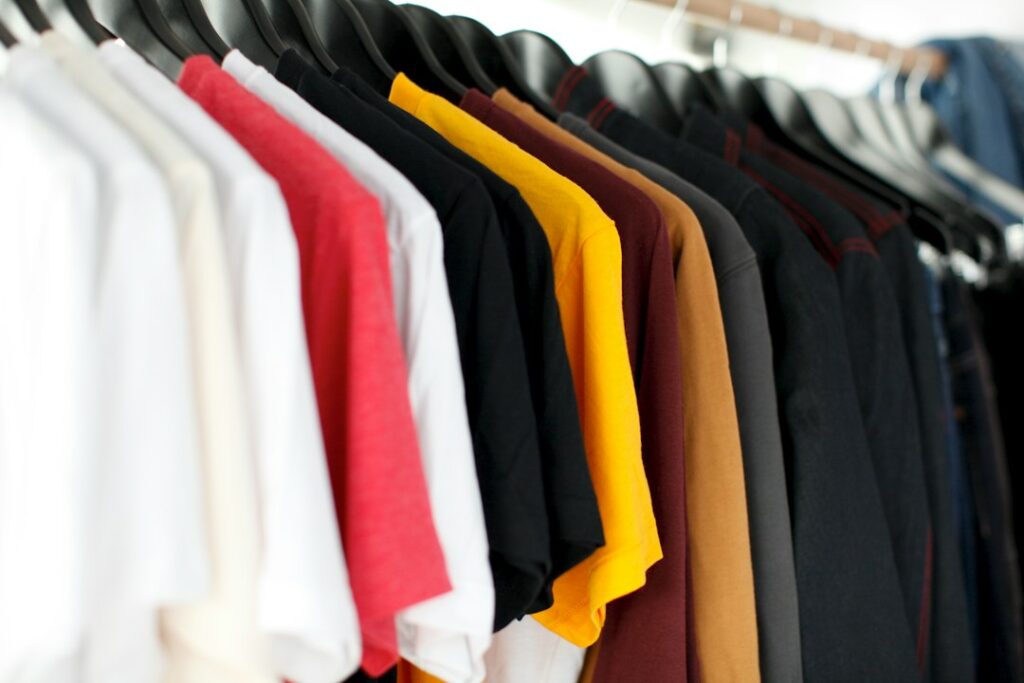
Featured photograph: Parker Burchfield on Unsplash. Illustrative stock photograph; it does not depict an AI-generated result or a tested product.
Updated September 26, 2026. This article was created with AI assistance. For general information; check current product terms and obtain qualified advice where appropriate. Read our disclaimer.


