

Do you find that your vision changes make daily digital tasks feel like a chore? You are not alone in this struggle. Many people feel discomfort when looking at screens all day.
Fortunately, innovative technology offers a way to change this. Smart software can help you enjoy content again while keeping you comfortable. These tools make managing your digital life easier and clearer.
This article is your guide to the modern world. You’ll learn how to make your devices work better for your vision. Start using these solutions to stay independent and confident online.
Understanding the Impact of Aging on Your Vision
Aging affects your eyes, making it harder to focus on close-up text. This is because your lens loses its flexibility. It’s a gradual change that impacts your daily reading.
Common Challenges with Presbyopia and Digital Fatigue
Presbyopia is a natural aging issue that affects fine details. It gets worse with screen time, leading to digital eye strain. This problem affects nearly 69% of people.
You might see blurred vision, headaches, or neck pain after computer use. These signs mean your eyes are working too hard. Ignoring them can make you tired and less productive.
Why Traditional Magnification Often Falls Short
Many turn to reading glasses or handheld magnifiers. But they don’t solve digital screen problems. Traditional magnification can’t handle glare, flicker, or blue light from screens.
Basic lenses can’t keep up with digital interfaces. Relying on them can make digital eye strain worse. To fight Computer Vision Syndrome, you need solutions that work with digital screens.
How AI for Aging Eyes: Read More, Strain Less Works
AI-driven vision tools can make reading more comfortable. They process visual info to support your eye health in a world full of screens.
These tools use advanced software to change how devices show info. They aim to lessen the physical effects of screen time, making daily tasks fun and easy.

The Role of Computer Vision in Text Enhancement
Computer vision is key for vision enhancement. It scans your screen to find text that’s hard to see because of poor quality or light.
Then, it sharpens text and makes characters clearer. This reduces eye strain, letting you focus on what you’re reading without squinting.
AI and wearables are also helping prevent Computer Vision Syndrome (CVS). They take the hard work of visual tasks off your eyes, keeping them healthy during long reads.
Adaptive Contrast and Font Optimization Algorithms
Your devices can now adjust to your needs. Adaptive contrast algorithms check the colors around your text to make it easy to read.
These tools also adjust brightness and color to cut down glare. This vision enhancement is great for reading in changing light, like outside or in dim rooms.
Font optimization algorithms go further by changing text size and style. By optimizing typography for you, they cut down on eye fatigue. This makes reading for longer without discomfort easier.
Essential AI-Powered Tools for Daily Reading
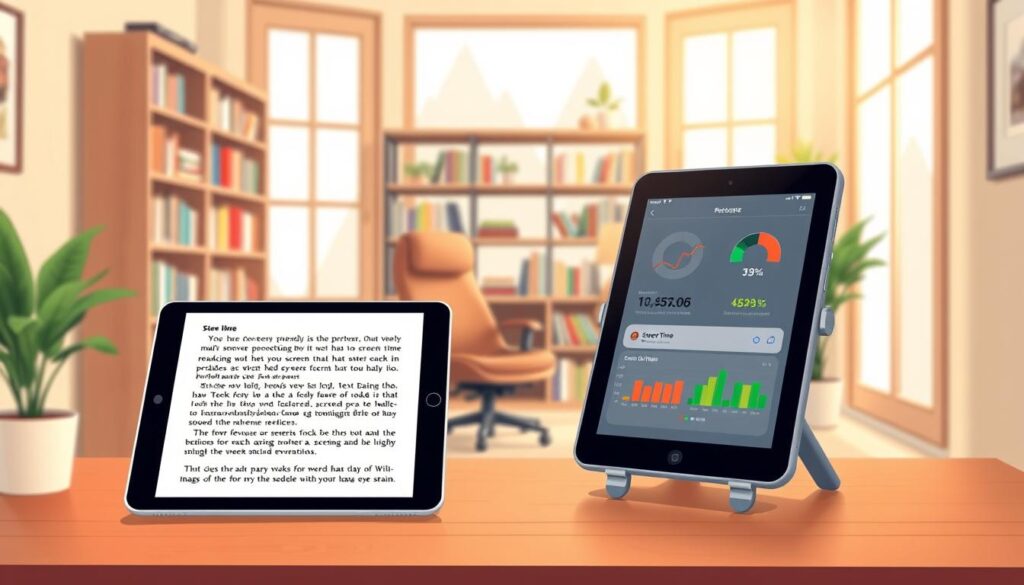
Managing your daily reading is now easier thanks to AI. Smart software can help with text magnification and screen time management. This means less eye strain.
Using Seeing AI for Real-Time Text Narration
Seeing AI is a mobile app that helps your eyes. It uses your phone’s camera to instantly narrate text, signs, and handwritten notes.
This tool is great for small print. It turns visual info into clear audio, making it easy to understand.
Leveraging OrCam Read for Instant Document Scanning
OrCam Read is a device for scanning documents. It captures full pages and reads them aloud in real-time.
It’s perfect for reading books, newspapers, or mail. It helps you focus without squinting at tiny text.
Browser Extensions for AI-Driven Text Simplification
Reading on the web can be tough with all the clutter. AI browser extensions can clean up the mess. They make text easier to read.
These extensions let you adjust font sizes and spacing. They’re key for screen time management and keeping your digital habits healthy.
Optimizing Your Digital Environment with Smart Settings
Your digital workspace is key to handling screen time well. Bad ergonomic practices and uncorrected vision can harm your eyes. By adjusting your device settings, you can make a space that’s good for your eyes.
Automated Blue Light Filtering and Color Temperature Adjustment
High-energy visible light can cause eye strain. Using blue light filtering helps reduce this. Most systems have a “Night Light” or “True Tone” feature that changes your screen’s color as the day goes on.
Lowering blue light in the evening helps your eyes unwind. It makes the screen look warmer and softer, which is easier on your eyes. Using these settings regularly is key to good ergonomic practices.
Dynamic Font Scaling and Layout Reflow Technologies
Straining to read small text can cause eye fatigue. Modern accessibility tools let you adjust text size to fit your needs. Dynamic font scaling keeps text clear, no matter your screen size or resolution.
Layout reflow technologies also help by rearranging content to fit your screen. This stops the need for constant scrolling, which can be tiring. By optimizing your text display, you make it easier for your eyes to process information.
Voice-to-Text and Text-to-Speech Integration for Accessibility
Stopping to look at the screen can rest your eyes. Using accessibility tools like text-to-speech software lets you listen to content instead. This gives your eyes a break during long reads.
Voice-to-text features let you use your devices without looking at a screen or keyboard. These smart integrations make your digital space more flexible and easy to use. By using these features, you can stay productive while protecting your eyes from strain.
Integrating AI Assistants into Your Reading Routine
Using smart assistants can change how you interact with digital content. These smart reading assistants connect you to information without straining your eyes. They let you enjoy reading without worrying about the details.
Setting Up Smart Speakers for Hands-Free Reading
Smart speakers make it easy to listen to news, books, and articles without screens. Just link your favorite apps to devices like Amazon Echo or Google Nest. This setup makes reading a breeze, perfect for unwinding.
After setting it up, you can ask your device to read out your daily news. This way, you don’t have to squint at small text. Your home becomes a place where you can easily get the latest info.
Utilizing AI Summarization Tools to Reduce Reading Volume
Too much info can hurt your eyes. AI summarization helps by breaking down long texts into easy-to-read points. This way, you get the main ideas without reading everything.
Many browser extensions now offer this feature. They help you focus on the essential points, saving your eyes. Efficiency is key for staying updated without eye strain.
Customizing Voice Assistants for Natural-Sounding Narration
Today’s voice-to-text integration offers voices that sound almost human. You can tweak the speed, pitch, and tone to fit your taste. A voice that sounds natural makes listening to long texts feel like a chat.
Check your device’s app settings for accessibility options. Choose a voice that’s calm and clear to enhance your reading experience. This small tweak makes using technology more enjoyable and stress-free.
Conclusion
Modern technology gives us great ways to keep our eyes healthy while reading. We can change our daily habits by choosing the right digital tools.
By focusing on digital wellness, we can keep our eyes comfortable during long reads. Making small changes to our screens and using smart software helps a lot.
Start by trying out a new accessibility feature today. Using these tools regularly will help you stay focused and avoid eye strain.
By improving our reading habits, we protect our eyes for the long term. We can control our screen time to boost our digital health right away.