A useful digital legacy is more than a large folder of files. It helps someone understand what you have kept, where it belongs and what they are allowed to do with it. AI can assist with a catalog or a draft caption. It cannot give another person legal authority over your accounts or guarantee that a service will preserve your memories forever.
Separate two tasks from the beginning: organizing material you want to share, and arranging appropriate access to accounts. A chatbot is not the place to combine family records with passwords and recovery codes.
Choose a small collection with a clear purpose
Start with one manageable set, such as photographs from a family trip, recordings of stories you have permission to share, or scanned letters you are entitled to use. Decide who the collection is for and whether anything should remain private.
Ask other people about their wishes before including sensitive stories, recordings or images of them. Ownership of a file does not automatically settle every privacy or sharing question. A collection intended for close relatives should not quietly become a public website or an input to an online AI service.
Keep original files unchanged in storage you control. Work on copies and use a simple folder structure. Include a short text file explaining what the collection contains, who prepared it and how to understand the filenames.
Create a catalog before asking for a story
For each item, record a filename, approximate date if known, description, source and sharing restrictions. Separate information written on the original from details supplied later by someone remembering the event.
For example, a fictional photograph might have “summer 1982” on its envelope while a relative thinks it was taken in 1983. Preserve both statements with their sources. Do not ask AI to resolve the date from clothing or turn one recollection into a verified fact.
Organize these notes into a catalog. Use only the information provided. Keep original wording and source names available, distinguish confirmed details from recollections, and mark missing names or dates as unknown. Suggest questions for the family. Do not identify people from appearance or invent a story linking unrelated items.
Check every catalog entry against the original. If AI transcribes handwriting or a recording, compare the result carefully. Names, places and dates are precisely the details that can look plausible while being wrong. Label any unresolved transcription clearly.
Use AI only where sharing is appropriate
Read the chosen tool’s current data settings and terms before uploading material. Use the least sensitive content needed for the task. Remove unnecessary contact details, account numbers and information about living people; do not assume removal makes every document safe to upload.
Sometimes the right AI input is your own short description, not the original letter or image. If the material cannot appropriately be shared, organize it manually or use a suitable local process. Never place passwords, authentication codes, access keys or identity documents into a catalog prompt.
Arrange account access through the actual provider
A folder of instructions and an account-access setting do different jobs. Review each important provider’s current options directly rather than relying on an AI-generated checklist of menu names.
Apple’s Legacy Contact guidance explains access to certain account data after death, with an access key and required documentation. It excludes items including purchased media, subscriptions and iCloud Keychain information such as passwords and payment details. Requirements can vary by location. Read the full scope before choosing a contact and make sure they know where the necessary information is kept.
Google’s Inactive Account Manager lets you choose what should happen after a selected period of inactivity, including sharing selected data with designated contacts. Inactivity is its trigger; it is not proof that someone has died. Review the contact details, information selected and timing directly in your account.
These provider features do not replace a will or other estate arrangements. Ask an appropriately qualified adviser about the legal plan for your circumstances, especially where business records, valuable assets or competing rights are involved. Do not assume a chatbot-generated instruction overrides provider rules or local law.
Make the handover understandable
Prepare a simple index stating where the collection is stored, what it contains and whom to ask about it. Keep sensitive access material in an appropriate secure location, separate from files intended for broad family sharing. Test that ordinary exported photographs, text and recordings can be opened without the original editing app.
Discuss the plan with the person you intend to help. They may need a short explanation of folder names and permissions more than a polished AI-written biography. Review the arrangements when accounts, contacts or wishes change.
Be particularly careful with synthetic voices or digital avatars. They can create statements the person never made and may affect other people emotionally. A clearly labeled, consent-based creative project is different from preserving an authentic recording. For a first project, an accurate catalog and a few checked captions are often the more useful legacy.
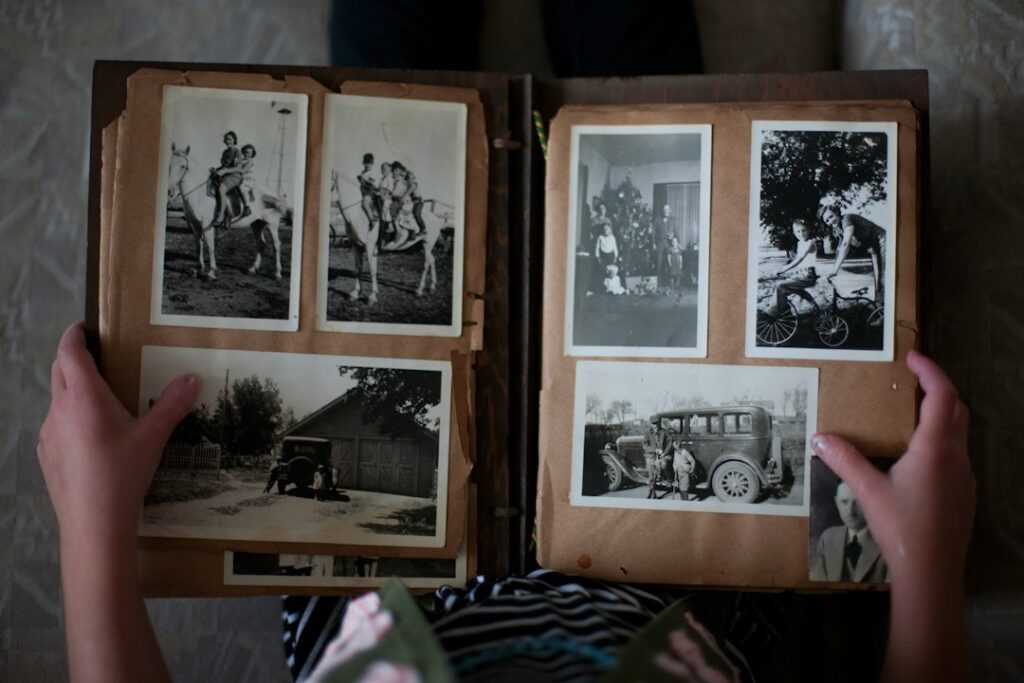
Photo: Laura Fuhrman on Unsplash. Illustrative family album, not the private records of a client or a digital-legacy product.
Updated September 27, 2026. Prepared with AI assistance and checked against the linked sources. This is general information, not personal medical, legal, financial or other professional advice, and not a hands-on product test. See our disclaimer.


