An AI pet portrait can be a playful gift: your dog in a painted garden, your cat in a simple ink style, or a colorful illustration of an animal you remember fondly. The best result should still resemble the particular pet, not merely a plausible member of its breed.
Start with a small project and treat every generated image as a draft. Attractive lighting can distract from a missing ear, an extra paw or markings that have moved to the wrong side. Careful inspection is part of making the portrait.
Choose references with a clear purpose
Use photographs you took or have permission to use. Choose a clear view of the face and ears, plus another angle if it helps explain the animal’s markings. Avoid forcing a pet into an uncomfortable pose to obtain a reference. An ordinary, calm photograph is enough to begin.
Remove or crop identifying details you do not need, such as a readable address on a tag, a house number or another person’s face. Review the image service’s upload, retention and sharing settings before supplying photographs.
Write down three or four features that matter: a white patch above one eye, a dark tail tip, the shape of the ears or a particular collar. Use the pet’s left and right consistently, and keep a reference open while checking the result. Do not rely on a model to infer these features perfectly.
Ask for one clear composition
Choose the intended use before generating. A square social image and a tall framed print need different arrangements. Ask for breathing room around the animal so cropping later does not remove an ear or the top of its head.
Using my authorized reference photo, create a warm watercolor-style portrait of this dog. Preserve the white chest patch, dark muzzle and upright ears. Show the complete head and both ears with generous space around them. Use a simple garden background. Add no lettering, extra animals or accessories.
This is an example prompt, not a guarantee that all requested features will be followed. If you want a full-body portrait, explicitly request the whole animal and inspect every visible limb. Start with one subject before attempting a complicated group of pets.
Reference tools change. For example, Midjourney’s Omni Reference documentation explains version compatibility and warns that intricate details may not match perfectly. Check the instructions for the model you are actually using rather than copying old commands from an unrelated tutorial.
Inspect identity and anatomy separately
First compare the pet’s identity: face shape, eye color, muzzle, coat pattern, ears and distinctive markings. A beautiful result that turns your pet into a different animal has not met the brief. Ask for a targeted correction or return to a simpler composition.
Next inspect the structure. Follow each leg from the body to the visible paw. Look for merged limbs, extra toes that appear implausible, duplicated ears, mismatched eyes or a collar that passes through the neck. Check objects behind the pet as well; backgrounds can hide or create confusing shapes.
Finally, inspect the whole frame and its edges. Make sure no important body part has been cut off accidentally. Zoom in to inspect details, then return to the intended viewing size. Save the version that passes your checks, rather than assuming the newest generation is automatically better.
Prepare the print before ordering it
Ask the print provider for the required aspect ratio, pixel dimensions, color profile and any border or bleed allowance. Preview the actual crop. A print service may crop a square image to fit a rectangular frame even when the original file looks complete.
Adobe explains the relationship between pixel dimensions, print size and pixels per inch. If a printer requests 300 pixels per inch for an 8-by-10-inch image, the calculation is 2,400 by 3,000 pixels before any extra bleed. That conditional example is not a universal printer requirement.
Simply changing a resolution label does not create missing detail. If you enlarge the image with AI, inspect it again because the enlargement may alter fur, eyes or markings. For an important gift, a small proof print can reveal a crop or color problem before a larger order.
Describe the finished work honestly
Call it AI-assisted artwork when sharing or selling it. Do not present an invented scene as an unedited photograph of the pet. Our article on disclosing AI assistance explains why that distinction helps the recipient understand the work.
If you sell portraits, confirm the image tool’s commercial terms, the customer’s permission to supply references and the revision scope. Etsy’s Creativity Standards require sellers to disclose AI use in the listing description for seller-prompted AI creations. State whether the customer receives a file, a print or both. A bounded, checked service is more credible than promises of an instant perfect likeness.
Prepared with AI assistance and checked against the linked sources. Reviewed September 27, 2026. This article is for general information. See our disclaimer.
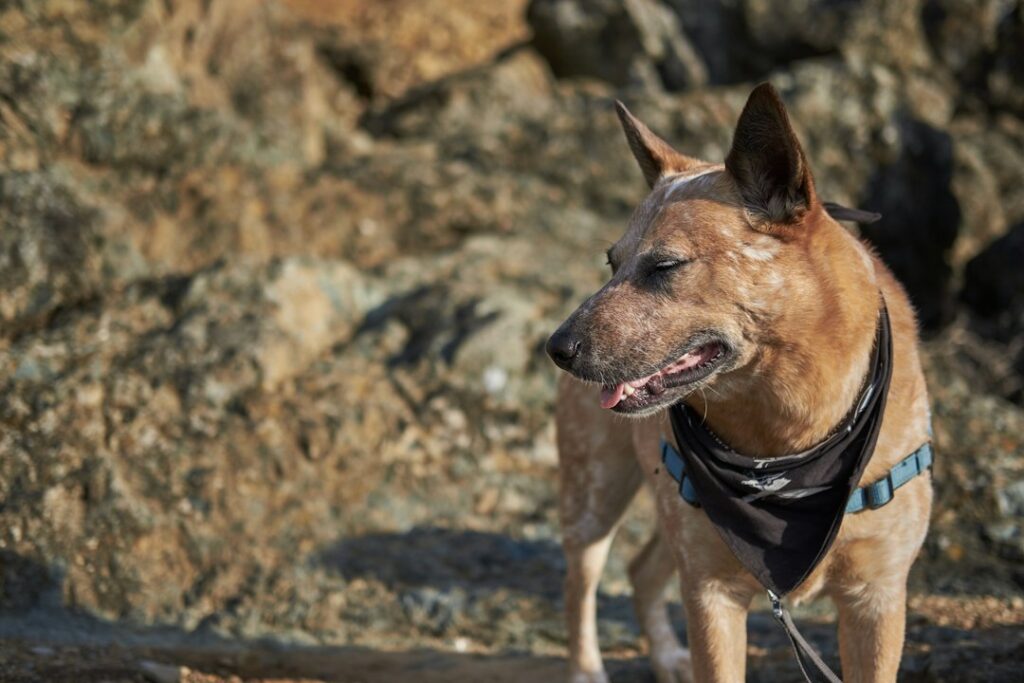
Featured photograph: Wesley Gibbs on Unsplash. The stock photograph illustrates the topic and is not a demonstration of an AI tool’s output.


