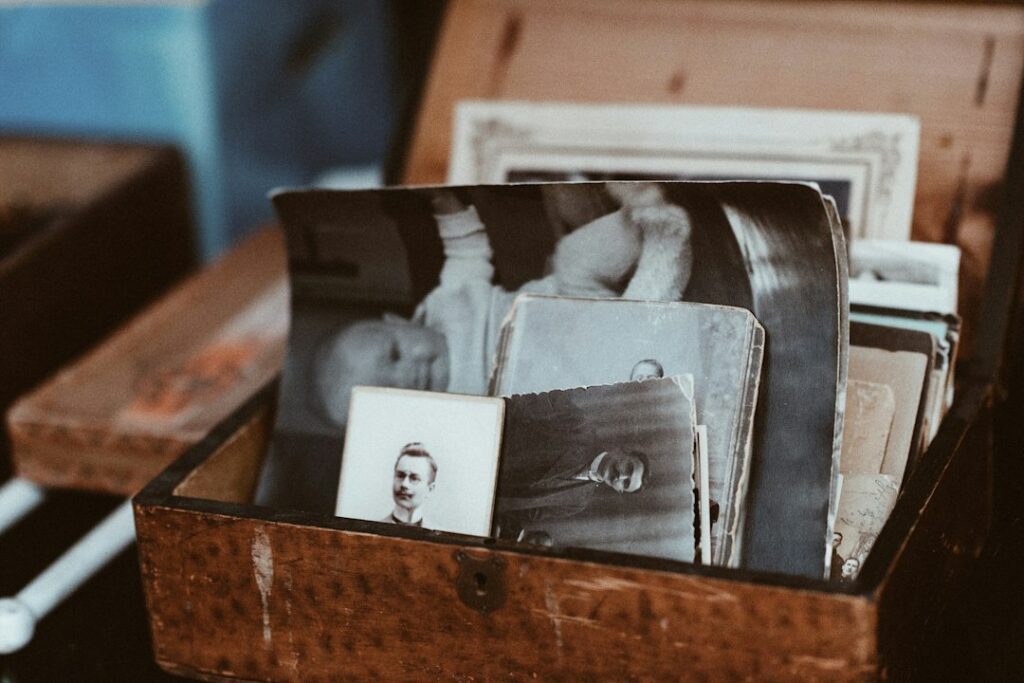
A family memory video works best when it tells one small story: a birthday, a garden taking shape or a weekend with friends. AI-assisted editing can suggest clips, arrange a rough sequence or help write captions. It cannot know why a quiet moment matters to your family.
Start with a short montage made from material you recognize. You do not need to upload an entire photo collection or generate new scenes to make a meaningful video.
Guided practice · Beginner
Plan five scenes without inventing a memory
Make a written 75-second storyboard with a source file, proposed timing and factual caption for every scene.
- Time: about 15 minutes to plan and check.
- Device: a phone, tablet or computer.
- Access and cost: this on-page exercise is free and needs no account or video editor. An AI text-chat tool is optional; its own access limits and prices apply.
All five files are fictional. No family photographs or videos need to be uploaded. Making and reviewing a real video is a separate task.
Need help? Copy and paste or Handle invented memories.
Choose the audience and the story
Decide whether the video is for a few relatives, a gathering or a public post. That choice affects which people, locations and details should appear. Ask for permission where appropriate, especially before sharing recognizable children or sensitive family moments.
Write one sentence describing the story: “Our first summer growing vegetables together” is more useful than “Our best memories.” Choose a target length, such as 60–90 seconds, and collect a small set of photographs and clips that support it.
If the collection is hard to navigate, first use our approach to organizing family memories with AI. Sorting and identifying files is a separate job from choosing the final montage.
Plan a rough cut from the approved files
Plan first: For this exercise, treat the file list in the prompt as fictional. You are making a written outline, not generating footage. Names, dates, exact clip lengths, and music permissions have not been supplied.
Some photo services have assisted video features. For example, Google Photos documents highlight videos assembled from photographs and clips, with editing options for elements such as selected material and music. Availability and controls can vary by device and feature.
Use such a result as a first draft. Remove repeated shots, blurred frames and moments the people involved would not want shared. Put back meaningful material the software omitted. A selection based on visual patterns is not a reliable judgment about emotional importance.
If you use a general chatbot for planning, give it a written list of approved clips rather than uploading the whole archive. Ask for a sequence using only those items.
This is a fictional storyboard exercise. Plan a 75-second family garden video using only approved files F1–F5 below. Do not generate footage or upload files. The result is a written plan, not a finished video.
F1 — Photograph of empty garden beds. F2 — Photograph of planting day. F3 — Photograph of the first seedlings. F4 — A watering video clip; its usable length and sound have not been checked. F5 — Photograph of the final harvest.
Use all five items in that order. Give each scene a proposed start/end time, duration, file ID and short factual caption. The durations must total 75 seconds. Keep any title or ending within those scene timings, not as extra time.
No names, calendar dates, prizes, narration, music permissions or real sharing permissions are supplied. Do not invent events or family relationships. Leave music and actual sharing undecided. Captions must be understandable without sound.
Label every duration as a proposal. Flag that F4 may not fill its proposed slot; explain that its usable length must be checked and the timing revised if needed. Do not invent extra footage, loop a clip or imply it was tested.
Finish with checks for source accuracy, total duration, caption readability, crop and sharing permission. Do not claim a video has been exported, watched on a phone or shared.
Worked example: a 75-second storyboard
This is an illustrative written plan, not a recorded AI response or an exported video. Every duration below is proposed; the real material and readability still need checking.
| Proposed time | Source file | Short caption |
|---|---|---|
| 0:00–0:12 12 seconds | F1 · Empty beds photo | Empty beds |
| 0:12–0:30 18 seconds | F2 · Planting photo | Planting day |
| 0:30–0:45 15 seconds | F3 · Seedlings photo | First seedlings |
| 0:45–1:00 15 seconds proposed; clip length unknown | F4 · Watering clip | Watering |
| 1:00–1:15 15 seconds | F5 · Harvest photo | Harvest |
Duration check: 12 + 18 + 15 + 15 + 15 = 75 seconds. A title or ending would have to fit inside these slots; adding one afterward would change the total.
Unresolved: F4 has no verified usable length or sound. If it is shorter than 15 seconds, revise the timing across the approved material and recheck the total. Do not invent extra footage or assume a loop will be suitable.
Still to check in a real edit: captions remain readable, important details stay inside each crop, and the people concerned agree to the intended audience. Music, names and dates remain undecided; none is necessary to finish this written exercise.
Check your result
The outline adds “Grandpa’s first prize-winning harvest, August 1985” and an award ceremony. Are those useful creative shortcuts?
Reveal the check: stay with the available material
The approved list supplies empty beds, planting day, seedlings, watering, and harvest. It does not establish Grandpa’s identity, a prize, a date, or an award ceremony.
A useful outline can arrange those five stages and propose timings totaling 75 seconds. Proposed timings still need checking against real clip lengths and caption readability.
If the revised outline still invents a person or event, rebuild those lines from the approved list yourself. Confirm real names and dates with the source owner and inspect the saved video before sharing.
What can the plan leave undecided?
Keep dates and names unknown unless you can confirm them. Leave music undecided until you know the intended use is permitted.
The written outline is finished when its sequence is clear. A real finished video also requires reviewing the complete export, captions, crop, sound, and sharing audience.
The fictional scene-check exercise was added 10 October 2026. Check facts and limits, not identical wording.
Verify names, dates and captions
Read every caption against information you can confirm. A file’s date may reflect when it was scanned, exported or received rather than when the event happened. Do not turn an uncertain year into a precise anniversary because it makes a neater story.
Use wording such as “Around 1985” when that is the best supported description, or omit the date. Ask another family member about uncertain identities instead of treating face recognition or an AI guess as proof.
Keep captions short and leave them visible long enough to read. Avoid covering faces or the detail that makes a photograph meaningful. If a spoken explanation matters, provide captions or a text version so the story is understandable without sound.
Keep real footage separate from generated effects
A photo-to-video effect may make a person in an old photograph appear to move. That movement was generated; it is not recovered footage of what the person did. Consider whether the people concerned would welcome that treatment before creating or sharing it.
If you include a synthetic scene or animation, label it clearly so viewers can distinguish it from the original material. Do not invent speech in a relative’s voice or present generated words as something they actually said.
Simple pans, fades and careful sequencing are often enough. More effects can make it harder to follow the photographs, particularly when the viewer is trying to recognize a face or read a caption.
Check the music and the sharing settings
Use music whose terms permit your intended use. A song available inside an editor is not automatically cleared for every public, commercial or cross-platform use. Google’s help page, for example, places personal, noncommercial limits on accompanying music offered for its videos. Check the specific source you choose.
Before sharing, review who can open the link and whether recipients can forward or download it. Avoid exposing addresses, school details, medical information or private documents visible in the background. You can leave music out if the rights are unclear.
Watch the exported file from start to finish
Inspect the actual export rather than only the editor preview. Check that portrait photographs have not lost the tops of heads, that no transition hides an important face, and that text is readable on the device recipients will use.
Listen for abrupt volume changes, missing narration and a cut-off ending. Check the opening and closing frames for accidental blank screens or unwanted branding. Correct any issue before sending the final version.
Keep the original media and the finished export clearly identified. A montage is a selected interpretation of your collection, not a replacement for it. The strongest version usually contains fewer clips, accurate context and room for the real people and events to speak for themselves.
Featured photograph: Roman Kraft on Unsplash. Stock photograph for illustration, not a product test or customer example.


