A useful chart template answers a recurring question without making the user rebuild a report each month. For a small business, that could mean comparing completed jobs, tracking expenses, or explaining membership changes. AI can help plan the template and draft instructions. Its value depends on whether the finished file calculates and communicates the right thing.
A generated image of a chart is not an editable data visualization. If the numbers matter, build the chart in a spreadsheet, reporting tool, or code-based plotting system that connects the marks to actual data. Treat AI-written formulas and explanations as drafts to check.
Start with one decision and one audience
Choose a narrow task before choosing colors. A monthly expense comparison has different requirements from a live sales dashboard. Write one sentence describing who will use the template and what they should learn from it.
For an illustrative template brief, you might choose: a local club treasurer wants to compare income and expenses by month and explain any shortfall. That calls for clear inputs and a visible definition of the balance. It does not require a screen crowded with decorative gauges.
Ask AI for a proposed input table, useful chart choices, and questions that remain unresolved. Require it to explain the tradeoffs in plain language. Decide the measures yourself with the person responsible for the records.
Define the data before making a chart
Create an input sheet with a description for every column. State the units, period covered, accepted date format, and whether amounts include tax or adjustments. Keep original data separate from calculations so changes can be traced.
Decide how the file handles missing values. An empty cell may mean data has not arrived; zero means a measured amount is zero. Those should not silently become the same thing. Also define how duplicate entries, refunds, and incomplete months are handled.
In a fictional arithmetic example, orders increasing from 100 to 120 represent a 20% increase: the change of 20 divided by the original 100. A rate increasing from 10% to 12% rises by two percentage points. Labels must say which comparison the template makes. Ask AI to explain its formula, then check it with simple numbers you can calculate independently.
Make the display honest and readable
The Office for National Statistics guidance on axes recommends a zero baseline for bar charts, consistent scales for comparable charts, and avoiding confusing dual axes. A line chart can sometimes use a narrower scale, but the displayed range must remain clear. The appearance should support the comparison rather than exaggerate it.
The ONS also provides guidance on titles, labels, sources, and alternative text. Give readers a concise title, meaningful units, and the period covered. State where the data came from and provide a text explanation of the important result.
Use readable text and enough contrast. Do not rely on red and green alone to distinguish categories; labels or other visible differences help. Include the underlying data table where appropriate so readers can inspect exact values rather than estimate them from a graph.
Try the cases most likely to break it
Before sharing the template, run through a small checklist with clearly labeled sample data:
- Replace the sample with a new month and confirm every chart updates.
- Add a longer category name and more rows than the first example used.
- Try zeros, blanks, negative amounts, and an unusually large value.
- Check totals against the input and make sure hidden filters are explained.
- Open the file in the software version you promise to support.
- Review the exported PDF or image for clipped labels and unreadable text.
Record what you checked and correct the problems before making claims about compatibility. If another person tries it, watch where the instructions fail instead of fixing the file silently for them. That shows which steps need clearer documentation.
Package a usable product, not just an attractive preview
If you plan to sell templates, provide the editable file, labeled fictional sample data, a clean starting copy, and concise instructions. Explain required software, any paid dependencies, what users may change, and what support is included. Check rights for fonts, icons, sample data, and any other materials you distribute.
Keep customer records out of public demonstrations and unapproved AI tools. State honestly which parts were AI-assisted and which functions you actually checked. Price the work with support and revisions in mind; there is no assured market or income level. A modest template that a customer can update confidently is a stronger offer than a dramatic dashboard they cannot trust.
Related reading: testing the usefulness of a product idea.
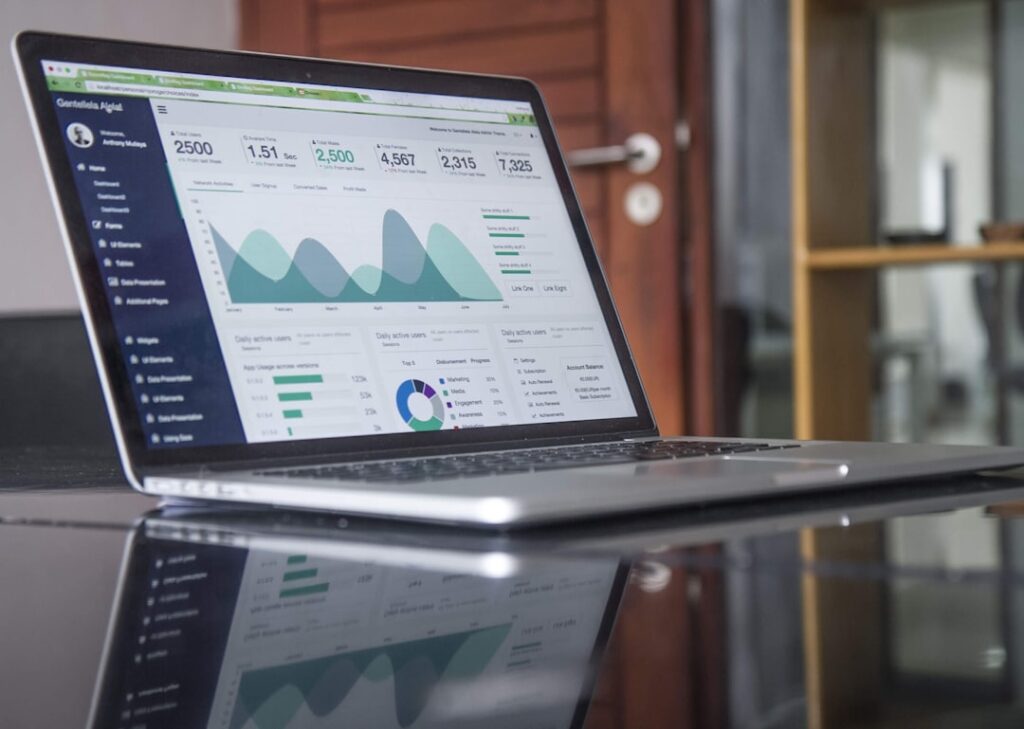
Featured photograph: Carlos Muza via Unsplash. Illustrative dashboard photograph, not a tested template or evidence of business results.
Updated September 26, 2026. This AI-assisted article draws on the linked sources. Hypothetical examples are labeled as illustrative. It is for general information; see our disclaimer.


