AI can help explore a logo direction, but an attractive generated image is not a finished brand identity. A useful logo must work on the places a business actually uses it, come with usable files and avoid rights claims the designer cannot support.
Whether you are starting a business after 40 or considering a design service, begin with a small, clear brief. You are solving an identification problem: helping the right people recognize a particular organization. Producing the largest number of variations is not the goal.
Ask what the logo must do
Write down the business name exactly, what it offers, who it serves and where the logo will appear. A shop sign, tiny social profile image and embroidery on clothing have different constraints. Identify essential uses before agreeing to a price or selecting a design tool.
For a fictional example, a neighborhood bicycle repair service might need a readable name on invoices, a simple shop-window mark and a one-color version for work shirts. That brief is more useful than asking AI for a “premium futuristic brand.”
Develop three distinct logo directions for this fictional bicycle repair service. Explain the shape, typography and intended feeling in plain language. Avoid existing logos, recognizable brand symbols and elaborate detail. For each direction, identify a problem it might have at small size.
Compare the ideas with the brief. Ask what the symbol communicates without its explanation. Reject a clever concept if a customer cannot connect it to the business or distinguish it from familiar competitors.
Separate exploration from production
Use generated images as rough concepts you can evaluate. Redraw or refine the selected design in a suitable editor, checking curves, spacing and letterforms. Do not leave garbled text or accidental decorative marks because the overall image looks polished.
A vector file describes shapes that can be scaled; a raster file stores pixels. Simply placing a small raster image inside an SVG file does not turn it into clean vector artwork. Ask a printer or another designer to check a production file if you cannot confidently inspect its contents.
- View the logo at the smallest intended size.
- Check a single-color version on light and dark backgrounds.
- Read the name without relying on the symbol.
- Compare spacing around letters and between symbol and text.
- Print a modest paper sample to catch details hidden by a bright screen.
Make a simple comparison sheet with a few options at identical sizes. This helps a client assess readability and suitability instead of choosing whichever mockup has the most dramatic lighting.
Do not promise exclusivity from a template
Check the terms for every font, icon and stock element. A license to use an asset commercially is different from exclusive ownership or permission to use it as a trademark.
Canva’s licensing explanation, for example, says its Free and Pro library content cannot be used in a trademark except fonts, simple shapes and lines. It also explains that other users may use the same library content. This is a specific reason to read the applicable license before selling a supposedly exclusive logo.
The U.S. Copyright Office’s AI guidance also distinguishes human authorship from material generated solely through prompts. Do not promise that all AI-generated elements carry enforceable copyright. Keep records of your own creative work and explain any unresolved limits before delivery.
Treat trademark clearance as a separate task
A visually distinct design can still create a trademark problem. The USPTO recommends searching for similar marks and describes broader clearance searches that include federal records, state databases and the internet. Related goods and services matter, not just identical spellings.
Use preliminary searches to identify obvious concerns, then seek qualified trademark advice when registration or a significant launch investment is involved. AI’s statement that a name is available is not a legal clearance. This article discusses U.S. sources; protection and registration elsewhere require local checks.
Deliver a useful identity package
Agree on the files before taking on paid work: an editable master, suitable vector exports where applicable, transparent image versions and variants for light and dark backgrounds. Include color values, font names, license notes and basic spacing guidance. Identify any paid font the client must license separately.
Supply a short document explaining how to choose the right file and avoid stretching or recoloring it accidentally. Check that the recipient can open the promised formats. A technically excellent file is not a complete handoff if the client has no idea how to use it.
For a first service offering, limit the number of concepts, revision rounds and applications. Clarify whether naming, trademark advice, website work or print production are excluded. Charge for a defined design process and usable deliverables, not a claim that AI guarantees higher sales. If the client also needs a website, coordinate the identity with the template’s actual layout and usability.
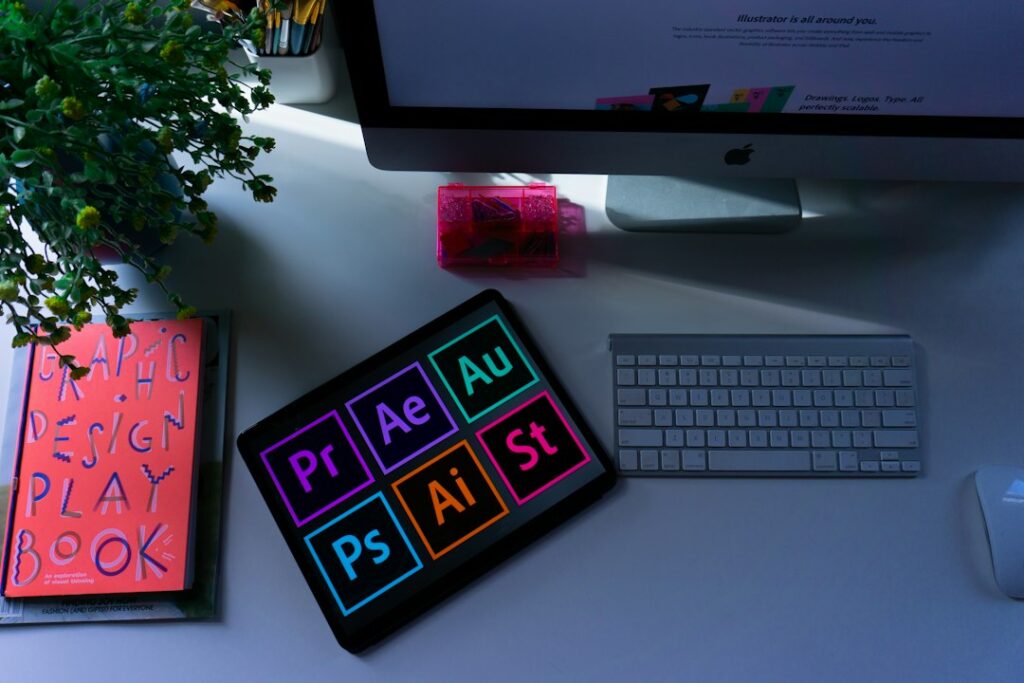
Featured photograph: Emily Bernal on Unsplash. Illustrative stock photograph; it does not depict an AI-generated result or a tested product.
Updated September 26, 2026. This article was created with AI assistance. For general information; check current product terms and obtain qualified advice where appropriate. Read our disclaimer.


