AI music tools can produce material for a podcast introduction, a short video, or a presentation. Turning that material into a paid service requires more than pressing generate. The client needs music that fits the project, usable files, and permission covering the way the work will actually be published.
A sensible first offer is a small soundtrack package for one defined use. Avoid promising unlimited ownership, guaranteed copyright protection, or a stream of royalties before you understand the tool’s terms and the customer’s needs.
Start with the project, not a genre label
Ask where the music will appear, how long it must last, and what it should do. Supporting spoken explanation calls for different choices from a dramatic opening or a game loop. Establish whether the client wants instrumental music, vocals, a clean ending, or a loop that can repeat.
Get the timing of the actual content. A brief might say: “A calm 20-second opening, a quieter bed under speech, and a short ending for one educational video.” Agree the number of options and revisions before starting. A request for “something uplifting” is too vague to price or approve.
Use descriptive musical language instead of requesting an imitation of a named performer. Do not clone someone’s voice or upload another person’s recording without the necessary permission.
Match the license to the intended use
Check the current terms for the precise tool, account plan, and date of creation or download. Background music in a video, distributing a standalone song, reselling a track, and transferring material to a client are different uses. “Royalty-free” does not mean no conditions, no purchase cost, or ownership of every right.
For example, SOUNDRAW’s licensing page, checked September 25, 2026, distinguishes Creator background-use permissions from Artist plans for modified songs distributed to music services. It prohibits Content ID registration and selling modified beats on stock-audio platforms. It also directs users to ask about certain content they do not own and synchronization uses.
That is a reason to confirm the exact client project, not to assume that a plan permits every commission. Keep the license, plan details, track identifier, and any written clarification with the job. If the intended use is unclear, resolve it before delivering or charging for rights you cannot provide.
In the United States, the Copyright Office distinguishes human expressive contributions from merely prompting a generator. A platform’s commercial-use permission is not the same as a guarantee that a generated track is exclusively copyrightable.
Generate a few directions and edit deliberately
Prepare two or three short options that genuinely differ in pacing or instrumentation. Let the client choose the direction before you spend time polishing a full piece. Keep a note of which version was approved so later revisions do not drift away from the brief.
You can ask a chatbot to help clarify the brief without sending private client material:
Turn this anonymized soundtrack request into a production brief. List duration, mood, instrumentation, speech sections, ending or looping needs, delivery formats, and unanswered licensing questions. Do not claim that any generated music is automatically cleared for commercial use.
Use your editing judgment to shape the result. Check transitions, remove awkward passages, and make the ending intentional. If you add recordings or samples, confirm their permissions separately rather than treating the AI tool’s license as covering everything in the project.
Listen to the whole track in context
Review every delivered version from beginning to end. Listen for clicks, abrupt cuts, distortion, strange vocal fragments, inconsistent volume, and unwanted silence. For a loop, play the join several times rather than judging a single pass.
Place the music beneath the actual narration or footage. Check whether speech remains understandable, especially during the busiest section. Listen on headphones and a typical small speaker at comfortable levels; the loudest, most impressive preview may be a poor background track.
Do not claim an audio test you have not performed. If you lack the skills to judge or fix a problem, reduce the scope or involve an audio professional. A client is buying a usable result, not access to an unchecked generation.
Deliver a package the client can understand
Agree the required formats and technical settings with the editor or publishing team. Give files clear names showing the project, version, and duration. Include the approved full version and any specifically agreed shorter edits, rather than an unexplained folder of experiments.
Add a short usage note identifying the AI tool, applicable license, allowed project scope, and any restrictions that affect the client. Explain who will handle a platform claim and keep evidence available. Avoid promising that automated copyright checks can never flag the track.
Price the work you actually perform
Include briefing, generation, editing, listening, revisions, licensing administration, and delivery in your time estimate. Account for subscriptions and any outside help. A tool making a draft quickly does not establish that the whole service is cheap or profitable.
Test one small commission or a clearly labeled sample project first. Record how long it takes and what the listener requests. Grow the offer only when you can consistently deliver suitable audio with terms both you and the client understand.
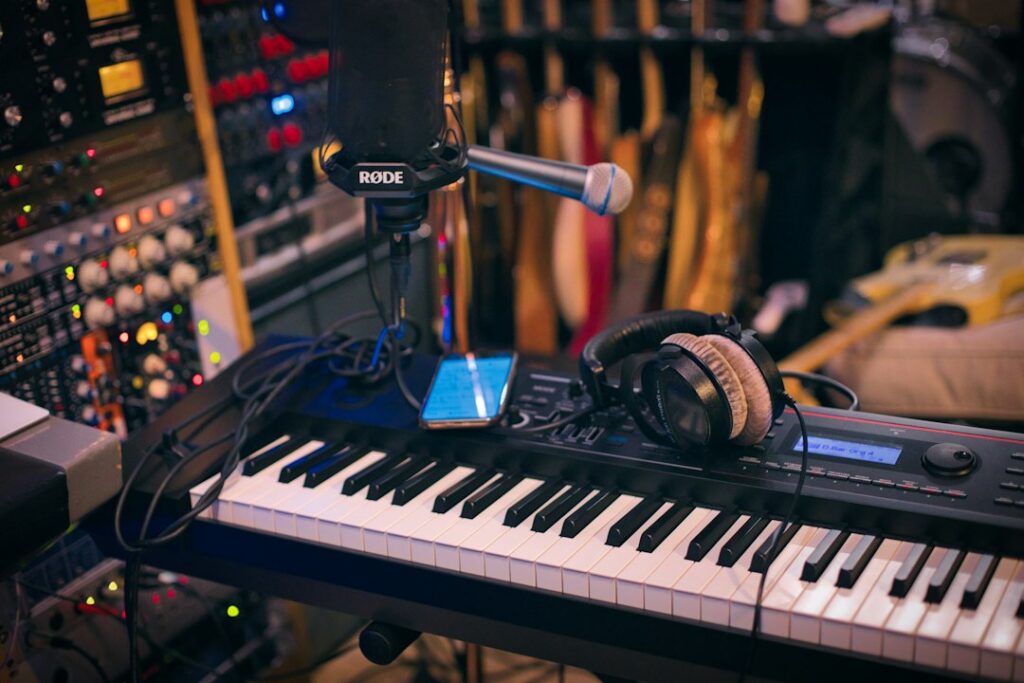
Featured image: Caught In Joy on Unsplash. Illustrative photograph.
Updated September 25, 2026. Prepared with AI assistance. Examples are illustrative. This article is for information and education, not professional advice.


