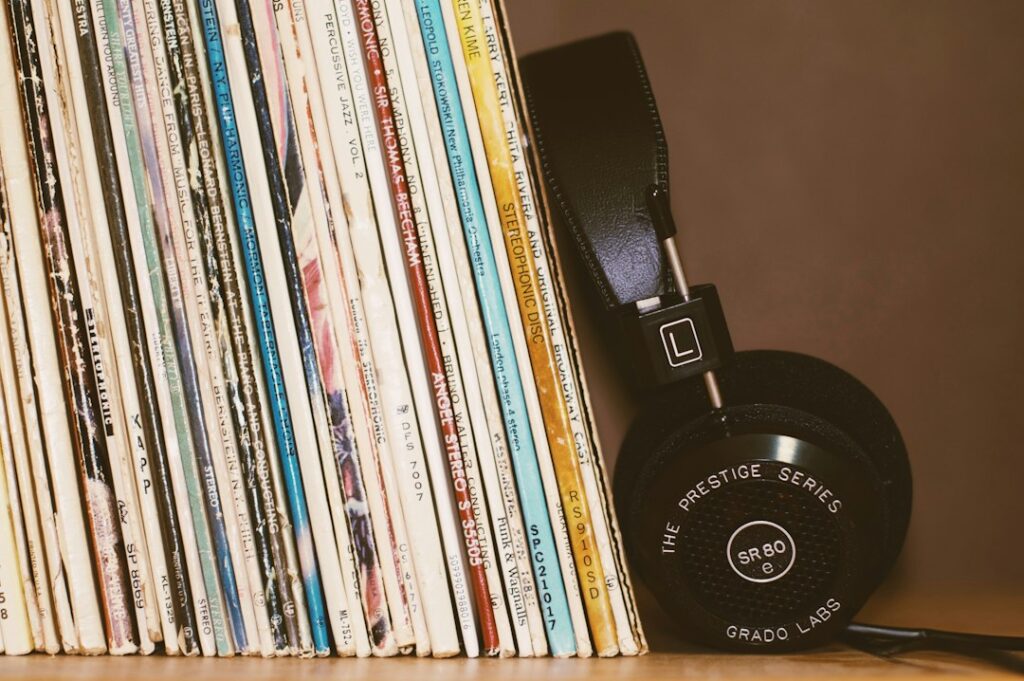
If you keep returning to the same albums, AI can help you explore a few new songs without handing over the whole evening to endless recommendations. Start with music you already enjoy, describe what you like about it, and listen to a short list.
The useful question is simple: did you discover something you want to hear again?
Give the recommendation a direction
Choose two or three songs or artists and add a few clues. Perhaps you like the prominent guitar, unhurried pace, clear vocals, or live-band sound. You do not need technical music vocabulary.
Describe the occasion as well. Music for a quiet dinner may call for different choices from music you want to listen to closely. Say what you would prefer to avoid.
Suggest six existing songs for [occasion]. I enjoy [songs or artists], especially [qualities]. Include four choices close to those preferences and two that stretch them. Give the artist and exact track title, with one short reason for each choice. Avoid [preferences]. Do not invent recordings, collaborations, or release details. Flag uncertainty.
You can ask a general chatbot for this list or use a recommendation feature already available in your music service. A written list from a chatbot does not automatically create a playable playlist.
Understand what personalization actually means
Spotify’s explanation of recommendations says that listening, searches, skips, and saves influence its interpretation of your taste. Content information and broader listening patterns also matter. Some recommendations come from human editors, while others are personalized by algorithms.
That helps explain why a service might offer more of an artist you recently played. It does not establish that the service understands a memory attached to a song or knows how you feel. You can tell a chatbot what you want without sharing a private life story.
Check each suggested recording
Search for the exact title and artist in the music service you use. Check whether you have found the original recording, a cover, a live performance, or another version. If a suggestion cannot be verified, leave it out and ask for an alternative.
Listen before deciding whether the song fits. A plausible description such as “relaxed acoustic track” can be wrong. If the words or subject matter matter for a family occasion, check the actual recording rather than trusting a chatbot’s classification.
Create a small playlist yourself, or review the playlist produced by a connected feature before saving it. Confirm the account and destination before giving any tool permission to change your library.
Improve the list with specific feedback
After sampling the songs, pick one that worked and one that did not. Explain why in your own words: “I liked the rhythm in the second song, but the fifth was much louder and busier than I wanted.”
Revise my six-song list using this feedback: [notes]. Keep the choices I liked. Replace the ones I rejected and explain the change briefly. Do not repeat tracks you already suggested. Keep the list to six songs.
Try one revision before asking for more. Otherwise, collecting recommendations can become a substitute for listening.
If a playlist needs to fit a particular amount of time, check the actual total in your music app. Do not plan an event around durations that a chatbot estimated.
Use the controls in your current service
Spotify describes controls for reducing the influence of a playlist or track on your taste profile, giving feedback, and turning off autoplay. Availability depends on the feature, country, and subscription. Its current guidance explains the options.
This can be useful when background listening differs from what you want for personal discovery. If you use another service, consult its own help pages for the controls it actually offers.
You do not need to upgrade simply because a feature has “AI” in its name. First see whether a short prompt and your existing listening setup accomplish the task. For paid tools, use our test before subscribing.
Leave room for a surprise
Try an unfamiliar artist, listen to an album instead of only one track, or ask a friend for a recommendation. Keep a small note of the discoveries you enjoyed and use it to guide your next search.
Finding an existing recording and generating a new song are separate activities. This guide is about discovering recordings to listen to; it does not establish rights to reuse music in a video, business, or public event.
Keep the suggestions that help you enjoy music, and feel free to ignore the rest. Your listening preferences do not need an algorithm’s approval.
Reviewed October 1, 2026. Prepared with AI assistance and checked against the sources linked above. See our disclaimer.
Featured photo: blocks on Unsplash. Illustrative photo.